
How to Create a Custom UPI QR Code in Seconds: The Ultimate Guide for Businesses & Freelancers
Accepting digital payments in India shouldn't require complex integrations or costly POS machines. Learn how to generate a customizable, zero-commission UPI QR code using GoBitURL to streamline your checkout experience and boost instant payments.
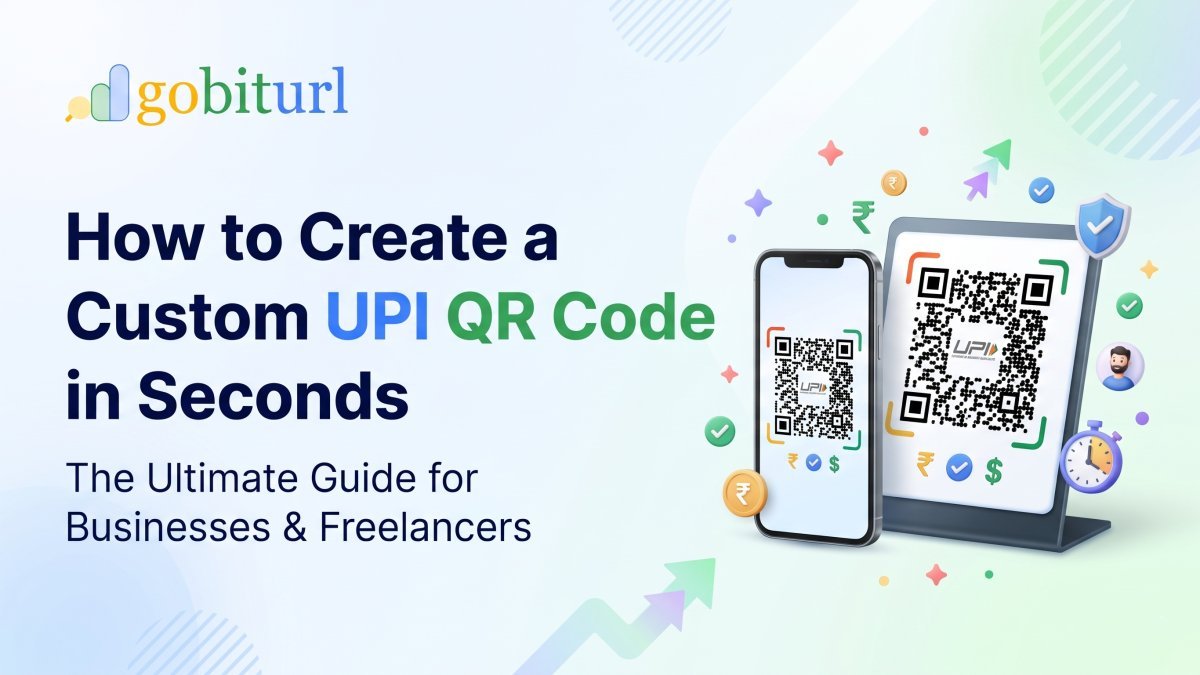
India’s payment landscape has undergone a revolution. From neighborhood kirana stores in tier-3 towns to high-ticket freelance consultants in metro cities, Unified Payments Interface (UPI) has become the default way money moves.
However, a surprising number of small business owners, independent creators, and service providers still lose time—and occasionally customers—because of payment friction. Asking a client to manually type a complex Virtual Payment Address (VPA) like businessname.98765@okaxis or dictating a 10-digit mobile number invites typos, failed transactions, and awkward follow-ups.
The solution is simple: a dedicated, customizable UPI QR code.
At GoBitURL.com, we built a lightweight, privacy-first UPI QR Code Generator that lets you turn any UPI ID into a clean, scannable payment code in seconds—without hidden fees, commissions, or middleman delays. Here is everything you need to know about generating and using UPI QR codes to grow your business.
What is a UPI QR Code Generator?
A UPI QR Code Generator is a specialized tool that encodes your banking details—specifically your UPI ID (VPA), Payee Name, and optionally a fixed transaction amount and payment note—into a standard Quick Response (QR) matrix.
Unlike proprietary QR codes locked to a single wallet, a standard UPI QR code is 100% interoperable. Once generated on GoBitURL, your single QR code can be scanned by customers using:
- Google Pay (GPay)
- PhonePe
- Paytm
- BHIM
- Amazon Pay
- Cred, WhatsApp Pay, and over 150+ bank-specific UPI apps
When a customer scans the code, their preferred payment app opens automatically with your UPI ID pre-filled, eliminating human error entirely.
Static vs. Amount-Specific UPI QR Codes: Which One Do You Need?
One of the biggest advantages of using an independent generator like GoBitURL over default bank stickers is flexibility. Depending on how you sell, you can create two distinct types of codes:
| Feature | Standard Open QR Code | Pre-Filled Amount QR Code |
|---|---|---|
| How it works | Customer scans the code and manually types the amount to pay. | Customer scans the code and the exact amount is already locked in. |
| Best suited for | Retail counters, cafes, tipping jars, and variable-price services. | Event tickets, fixed-price digital products, invoices, and subscriptions. |
| Error Risk | Low (customer could still enter the wrong amount). | Zero (amount and payee ID are both pre-populated). |
| Time to Checkout | ~10–15 seconds | Under 5 seconds |
With GoBitURL, you don't have to choose just one. You can generate a permanent open QR code for your storefront and create quick, amount-specific QR codes for individual client invoices whenever you need them.
Why Use GoBitURL to Generate Your UPI QR Code?
While payment apps provide basic built-in QR codes, they often come with cluttered branding, uneditable layouts, and zero ability to pre-set transaction amounts for specific invoices. Here is why thousands of users prefer GoBitURL.com:
- Zero Commission, Direct Bank Settlement: GoBitURL is NOT a payment gateway that holds your funds. The money travels directly from your customer's bank account to yours via the NPCI UPI network. You pay 0% transaction fees.
- Pre-Fill Exact Amounts & Notes: Sending an invoice for ₹4,500? Generate a QR code embedded with
₹4,500and the note"Invoice #104". Your client simply scans, enters their UPI PIN, and is done. - Custom Branding & High-Res Downloads: Stand out from generic black-and-white stickers. Customize your QR aesthetic and download crisp, print-ready PNG or vector files that look professional on packaging, PDFs, or acrylic desk stands.
- Combine with Short URLs: Because GoBitURL is an all-in-one link management platform, you can pair your QR campaigns with clean, trackable short links for omnichannel marketing across WhatsApp, SMS, and Instagram.
- Privacy-First Architecture: We don't require your bank account number, IFSC code, or sensitive KYC documents. All you need is your public UPI ID.
Step-by-Step: How to Generate a UPI QR Code on GoBitURL
Creating your payment QR code takes less than 30 seconds. Follow these simple steps:
Step 1: Visit GoBitURL’s QR Tool
Head over to gobiturl.com and select the UPI QR Code Generator from the dashboard.
Step 2: Enter Your Payee Details
- UPI ID / VPA: Enter your active UPI address (e.g.,
yourname@ybl,shopname@okicici, or9876543210@paytm). - Payee / Business Name: Enter the name you want your customers to see on their screen before they authorize the payment.
Step 3: Set an Amount & Transaction Note (Optional)
- Leave the Amount field blank if you want customers to enter the figure themselves.
- Enter a specific number (e.g.,
499) if you are creating a QR code for a fixed-price product or invoice. - Add a short Transaction Note (e.g.,
"Workshop Registration") to help you reconcile your bank statements easily.
Step 4: Customize and Download
Customize the design colors or frame to match your brand identity. Before downloading, do a quick 2-second test scan using your own phone to verify that your UPI ID is spelled correctly. Once verified, hit Download to save your high-resolution QR code!
5 Creative Ways to Use Your UPI QR Code to Get Paid Faster
Once you have downloaded your QR code from GoBitURL, don't just leave it in your phone gallery. Put it to work across your business touchpoints:
- Embed on PDF Invoices: Freelancers and agencies can drop an amount-specific UPI QR code at the bottom of their PDF invoices. Clients viewing the invoice on a laptop can scan the screen with their phone and clear dues immediately.
- E-Commerce Cash-on-Delivery (COD) Replacement: Print a UPI QR code on your shipping labels or delivery slips. Customers who prefer "Pay on Delivery" can scan the package upon arrival instead of scrambling for exact cash change.
- Restaurant Menus & Table Tents: Place QR codes directly on dining tables or laminated bill folders so guests can split and settle bills without waiting for a server.
- Live Streams & Creator Tipping: YouTubers, educators, and gamers can place a customized GoBitURL UPI QR code in the corner of their livestream overlay to receive direct audience support without losing 30% to platform super-chat cuts.
- Event Badges & Stalls: At pop-up markets, exhibitions, or flea stalls where network congestion slows down card machines, a printed high-contrast QR standee keeps your checkout line moving.
Ready to Simplify Your Payments?
Stop losing time to manual bank transfers and screenshot verifications. Whether you are sending a single freelance invoice or setting up a bustling retail counter, a clean, reliable QR code makes getting paid effortless.
Frequently asked questions
Does a UPI QR code generated on GoBitURL ever expire?
No! As long as your underlying UPI ID (VPA) remains active with your bank or payment app, your generated UPI QR code will work indefinitely with unlimited scans.
Is it safe to put my UPI QR code on a public website or social media?
Yes. A UPI QR code only contains your public Virtual Payment Address (VPA), which is designed solely for receiving money. Nobody can withdraw funds from your account simply by scanning your QR code. (Remember: You never need to enter a UPI PIN to receive money!)
Are there any transaction limits on UPI QR codes?
GoBitURL does not impose any limits on how much money you can collect. However, standard NPCI and bank-level UPI limits apply—typically up to ₹1,00,000 per transaction for regular transfers, and up to ₹2,00,000 or ₹5,00,000 for verified merchant, healthcare, and educational categories.
Can I use my personal UPI ID, or do I need a Business Merchant account?
You can use either! Whether you are an individual freelancer using a personal savings account VPA or a registered company using a current account Merchant VPA, GoBitURL generates a valid, scannable QR code for both.
Keep reading
More stories you might like.
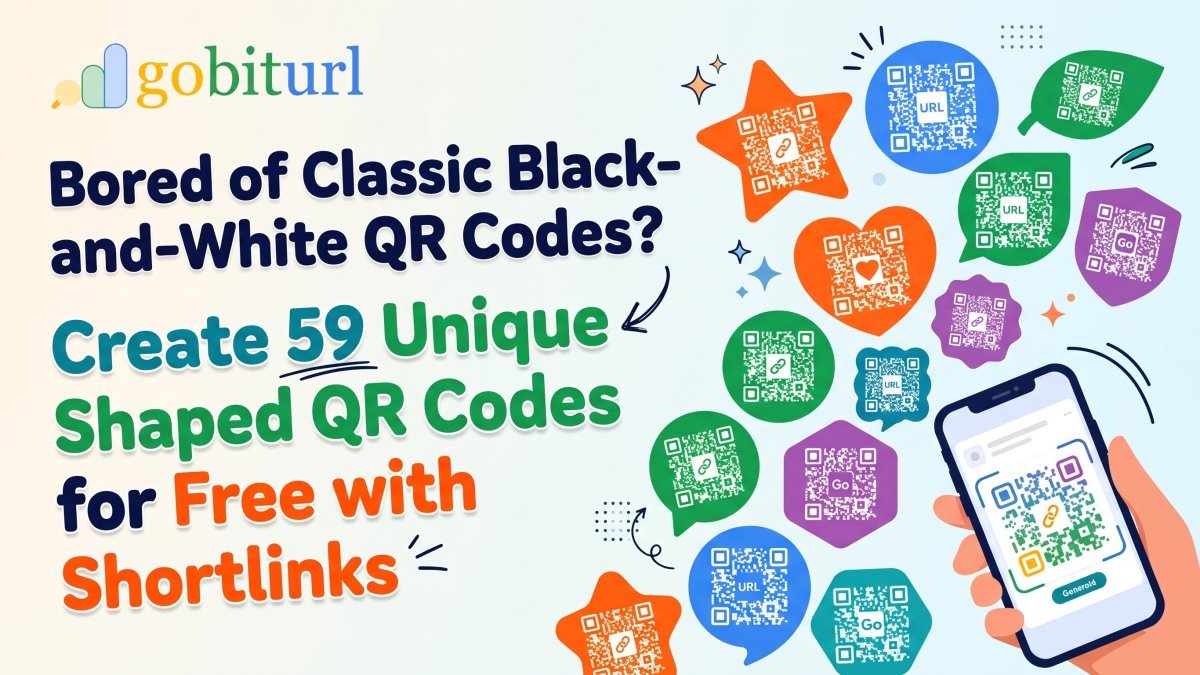
Bored of Classic Black-and-White QR Codes? Create 59 Unique Shaped QR Codes for Free with Shortlinks
Standard black-and-white QR codes blend into the background and suffer from "banner blindness." Discover how switching to 59 custom-shaped QR frames—like payment cards, location map pins, video players, and social thumbs-ups—paired with smart shortlinks on GoBitURL can dramatically boost your scan rates for free.

What is Claude AI? Complete Guide to Claude Pro, India Subscription Price, Claude Code, Cowork & Certifications
Discover everything about Anthropic’s Claude AI—from Claude Opus 5.5, Sonnet 5.5, and Opus 4.7 to India subscription pricing in INR, Claude Code CLI, Claude Cowork desktop automation, and the official Claude Certified Architect exam. Plus, learn how developers and creators use GoBitURL to manage and protect shared AI workflows.
ChatGPT AI: New Features, What AI Can Do Today & What Will Happen With ChatGPT in the Future
Whether you search for ChatGPT, Chat GPT, or even "chat gtp," conversational AI is reshaping how we work and market online. Discover the newest ChatGPT features, what AI can do right now, what will happen to ChatGPT after a few years, and how to pair AI content generation with smart link management on GoBitUrl.
Enjoyed this? Try the tool.
Shorten links, make QR codes and see who clicks — free.
0 Comments
Be the first to comment.
Leave a Comment