
How to Create Expiring Links & Click-Limited URLs for Flash Sales (Plus Password Protection Guide)
Want to run high-converting flash sales without breaking checkout pages or risking leakages? Learn how to use GoBitURL to create expiring links, click limits, and password-protected short URLs for free.
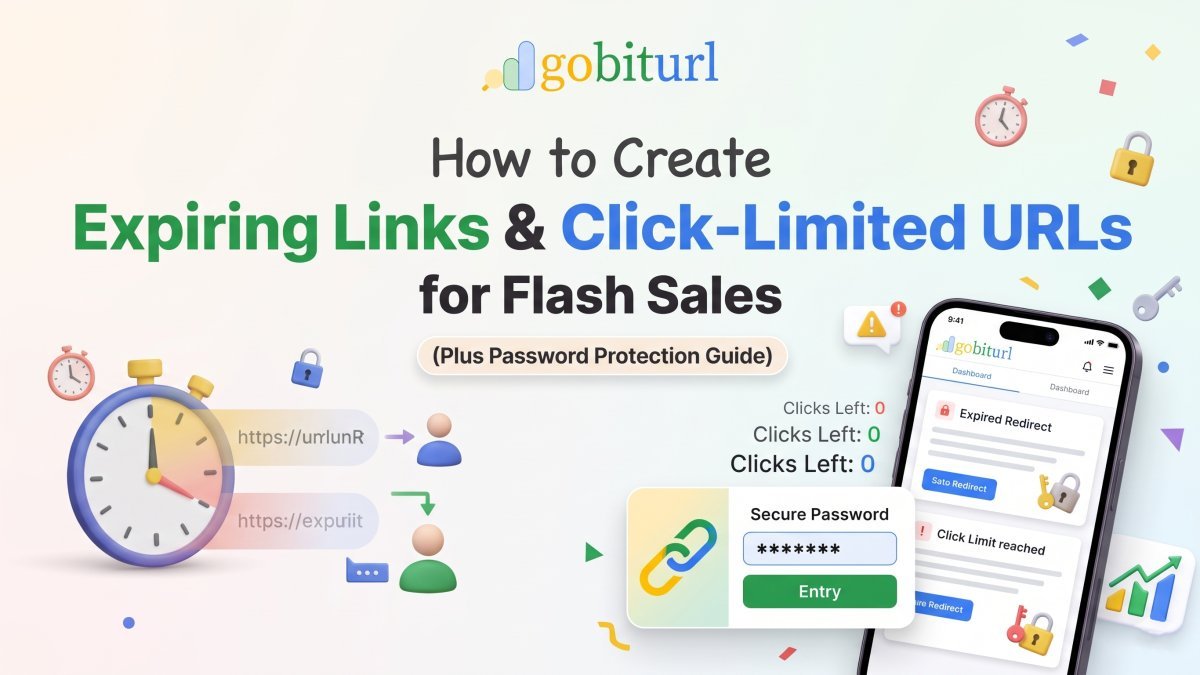
The clock is ticking. Your festive, weekend, or year-end flash sale is live. You blast a "50% off for the next 2 hours only!" link to 50,000 email subscribers and SMS contacts.
The campaign is a massive success. But three hours later, a customer clicks that exact same link from their inbox. What happens next?
In most cases, one of two bad things happens:
- They land on an active checkout page where the discount is still accidentally working (costing you revenue).
- Or they hit a broken 404 error page because your team frantically deleted or unpublished the promo page (costing you brand trust).
When running high-urgency D2C flash sales, a link shouldn't live forever just because you shared it. To preserve your profit margins, manage customer expectations, and maintain genuine scarcity, you need time-locked redirects and click-limited URLs.
In this guide, you’ll learn how to create expiring links, set click limits, and password-protect your links for free using GoBitURL—premium features that other URL shorteners lock behind expensive paywalls.
What is an Expiring Link?
An expiring link is a short URL configured with a built-in "deadline." Before that cutoff, clicking or scanning the link routes users to your promotion page as usual. However, once the expiration triggers, the link automatically behaves differently—typically redirecting visitors to a fallback URL (like your home page, a "Sale Ended" page, or a waitlist signup) or displaying a custom expired message.
This transition happens instantly and automatically at the server level, with no manual web page editing or midnight URL updates required.
Why D2C & Retail Brands Need Expiring Links (The High-Stakes Use Cases)
Managing promotions on a one-off basis without automated expiration introduces serious risks to your operations and brand experience:
1. Flash Sales and Limited-Time Promotions (Scarcity Marketing)
Scarcity only works if it’s real. If you advertise a flash sale ending at Sunday midnight, visitors clicking the link at 12:05 AM should see a "You Just Missed It!" page. With GoBitURL, you can set the exact date and time (adjusted to your time zone) for when the link should expire and automatically route back to your standard shop.
2. Limited-Access Campaigns (First 100 Customers)
"The first 100 people to click get a free gift!" is one of the most powerful triggers in marketing. But without automation, how do you enforce this? Setting a click limit of 100 on your GoBitURL link ensures that the 101st click automatically goes to a page saying "The offer is fully claimed, but sign up here for the next drop."
3. Event and Webinar Registrations
Set your registration or sign-up link to expire at the precise cut-off time. This stops latecomers from attempting to join after onboarding has closed, redirecting them instead to a future event preview or a waiting list.
4. Preventing Link Leakage & Coupon Abuse
Did your D2C brand partner with an influencer for a 48-hour exclusive? Or did you send an early-access sale link to VIP customers? Expiring the link prevents those exclusive URLs from being uploaded to coupon aggregators or public deal subreddits, where non-targeted buyers could exploit them.
Method 1: How to Set Up an Expiring Link & Click Limits on GoBitURL (Step-by-Step)
With GoBitURL, setting up scarcity and redirect boundaries for your promotions takes less than a minute. Here is exactly how to do it:
[ Long, Messy Promo URL ] ➡️ [ GoBitURL Dashboard: Set Expiry & Redirect ] ➡️ [ Trackable Short Link ]
                                                                                   ⬇️ (After Cutoff or Limit)
                                                                            [ Fallback/Closed Page ]
Step 1: Input Your Destination URL
Log in to your free GoBitURL.com account. Paste your long destination URL (such as your Shopify checkout or landing page) into the shorten field.
Step 2: Access Advanced Settings
Before hitting the "Shorten" button, click on Advanced Settings (or the gear icon next to your link) to view campaign configurations.
Step 3: Configure Your Expiry Date & Time
To deactivate your link after a specific event:
- Locate the Expiration Date toggle or input field.
- Choose the exact date and the exact hour/minute you want your campaign to end.
- Use the Redirect URL (Fallback) field to type in where visitors should go after the link expires (e.g.,
[yourbrand.com/sale-closed](https://yourbrand.com/sale-closed)or[yourbrand.com/new-offers](https://yourbrand.com/new-offers)).
Step 4: Configure Click Limits (Scarcity Trigger)
To make your link self-destruct after a certain amount of engagement:
- Turn on the Click Limit feature.
- Enter the maximum number of clicks allowed (e.g.,
500for your 500-customer giveaway). - Set your custom fallback URL. Once the 500th click registers on GoBitURL's servers, every click from that moment on goes to your second destination.
Step 5: Save and Share
Click Shorten. Test your short link to ensure everything works, and then drop it into your email blaster, SMS templates, or Instagram link in bio.
Method 2: How to Password Protect Your Links for Free on GoBitURL
While flash sales rely on expiration, other sharing tasks require secure access. Whether you're sending confidential investor updates, early-access collections to specific influencers, or digital download files to premium tiers, password protecting your short link creates a simple, instant gateway without requiring user sign-ups.
Unlike standard links, password-protected short links perform a three-step dance:
User clicks custom link ➡️ Land on GoBitURL password gate ➡️ Correct password entered ➡️ Destination page loads
Here is how to secure your URLs on GoBitURL:
Step 1: Open Your Dashboard
Paste your sensitive destination URL into the GoBitURL link generator.
Step 2: Toggle Password Protection
In the settings section, look for the Password Protect toggle.
Step 3: Set a Strong Password
Input the password your recipients will need to access the target site.
💡 Pro-tip: Always share your link and your password over separate channels (e.g., email the link, but text the password via WhatsApp) to ensure true end-to-end privacy.
Step 4: Save & Retrieve Branded URL
Create your link. When a visitor opens the custom short link, GoBitURL will show a clean, secure barrier screen prompting them for the passcode before any forwarding happens. This keeps the real, raw URL hidden from unauthorized eyes, bots, and scrape routines.
5 Flash Sale Countdown & Urgency Frameworks (Ready to Try)
Pair these expiry frameworks with your GoBitURL setup to trigger fear-of-missing-out (FOMO) and increase click-through rates (CTR):
| Sale Scenario | Limit Type | Call-to-Action Script | Expired Action |
|---|---|---|---|
| Hourly Flash Drop | Expiry Time (2 Hours) | "Our Midnight madness is live! Top styles are 50% off, but only for the next 2 hours. Go to: gobiturl.com/midnight-rush" | Redirect to Home Page or "Next Drop" Sneak Peek |
| Limited Claim Giveaway | Click Limit (First 200) | "The first 200 subscribers to click this link get a free luxury tote bag with their order: gobiturl.com/freebie-200" | Redirect to Email Signup with message: "We're sold out! Drop your email to hear about our next release." |
| Exclusive Creator Collab | Hybrid Limit (72 Hours OR 500 Clicks) | "Collaborating with @Name! Try our custom combo at an exclusive rate for 3 days only: gobiturl.com/collab-combo" | Redirect to regular, non-discounted product page |
| Secure VIP Preview | Password + 24 Hours Expiration | "VIPs only! See our upcoming festive drop before anyone else. Enter VIP pass to browse: gobiturl.com/preview-vip" | Automatic Redirect to "VIP Registration" or regular storefront |
Take Back Control of Your Shared Links
Stop letting outdated links and 404 errors damage your ROI and disrupt your marketing workflow. With dynamic expiring links, scarcity click caps, and zero-trust password gating, GoBitURL gives you complete, continuous authority over your marketing URLs.
Get ready for your next high-volume sale or secure sharing push with confidence.
👉 Create Your First Expiring & Password-Protected Link on GoBitURL (100% Free)
Frequently asked questions
How do I create a link that expires after a certain date or time for free?
Paste your long destination URL into GoBitURL, open the Advanced Settings menu, and select your desired Expiration Date and Time. Once that deadline hits, the short link automatically deactivates or redirects visitors to a fallback URL of your choice.
What happens when someone clicks an expired or click-limited GoBitURL link?
Instead of showing a broken 404 error page that hurts your brand credibility, GoBitURL lets you set a Fallback / Redirect URL (such as your store's homepage, a waitlist signup form, or a "Sale Ended" page). If no fallback URL is set, visitors see a clean notification screen letting them know the link is no longer active.
How does a click-limited URL work for flash sales and giveaways?
When you set a Click Limit (for example, 100 clicks for a "First 100 Customers" giveaway), GoBitURL tracks every live tap in real time. The first 100 visitors are routed directly to your secret offer or checkout page, while the 101st visitor is automatically redirected to your fallback page.
Can I combine an expiration date, a click limit, and password protection on the same link?
Yes! GoBitURL allows you to layer all three controls on a single short URL. For example, when running an exclusive VIP flash sale, you can require a password to enter and set the link to expire after 48 hours or 500 clicks—whichever milestone comes first.
Do QR codes also expire if I set a time limit or click limit on the short link?
Yes. Because every GoBitURL Dynamic QR Code is powered by its connected short link, any expiration date, click limit, or password gate you apply to the link automatically applies when someone scans the QR code on your product packaging, flyer, or social post.
Can I extend the expiration date or increase the click limit after sharing the link?
Absolutely. Because GoBitURL short links are dynamic, you can log into your dashboard at any time to extend the expiration timer, raise the maximum click cap, change the password, or update the destination URL—without changing the short link you already shared in your SMS, WhatsApp, or Instagram bio.
Is it safe to share confidential files or VIP pages using a password-protected short link?
Yes. GoBitURL masks the original destination URL behind an encrypted password gate. Bots, web scrapers, and unauthorized users cannot view the destination address or preview the page metadata until the exact password is entered.
Keep reading
More stories you might like.

Why Gold Prices Are Falling in 2026 & What Will the 2027 Gold Rate Be in India?
Gold rates in India have dropped nearly 29% from their early 2026 peak to around ₹1.29 lakh per 10 grams. Discover the exact macroeconomic triggers behind the 2026 crash and expert predictions for 2027 gold prices.
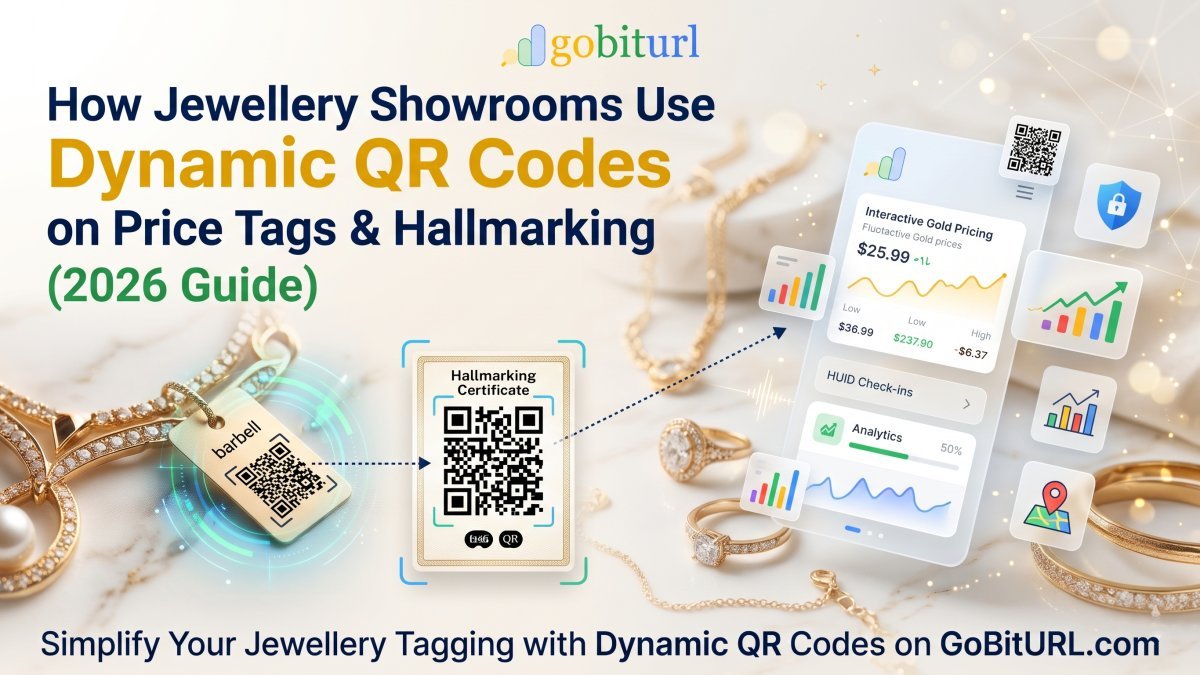
How Jewellery Showrooms Use Dynamic QR Codes on Price Tags & Hallmarking Certificates (2026 Guide)
Gold and silver rates fluctuate daily, making printed jewellery price tags obsolete overnight. Discover how modern jewellery showrooms use GoBitURL’s dynamic QR codes and short links on tiny barbell tags and hallmarking certificates to display live pricing, verify BIS HUID authenticity, and track customer engagement in real time.

India Gold & Silver Rate Today (22K/24K Across Major Cities) + How Jewellers Automate Daily Rate Boards
Track today’s 22K and 24K gold and silver prices across Mumbai, Delhi, Chennai, and Bengaluru. Plus, discover how modern Indian jewellery showrooms eliminate manual price board errors by automating daily rate updates with GoBitURL custom short links and QR codes.
Enjoyed this? Try the tool.
Shorten links, make QR codes and see who clicks — free.
0 Comments
Be the first to comment.
Leave a Comment