
GS1 Sunrise 2027 Explained: How Brands Can Prepare Product Packaging with 2D QR Codes
The 2027 global retail shift from traditional barcodes to 2D QR codes is almost here. Learn what GS1 Sunrise 2027 means for your brand and how to upgrade your product packaging without disrupting checkout.
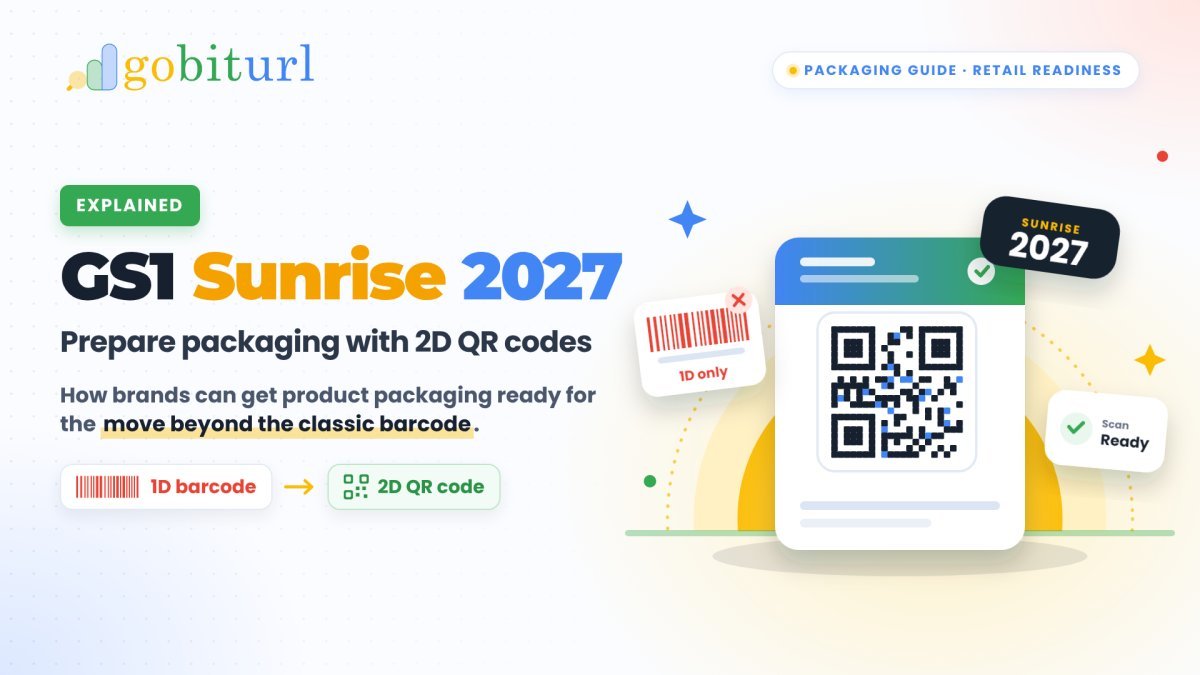
For over 50 years, the familiar black-and-white 1D barcode (UPC in North America, EAN in Europe and the UK) has done one simple job: beep at the checkout counter and pull up a price.
By the end of 2027, that single-purpose barcode is getting a massive upgrade. Under GS1 Sunrise 2027, global retailers across the US, UK, Canada, and Europe are upgrading their Point-of-Sale (POS) scanners to read 2D barcodes—specifically QR codes powered by GS1 Digital Link.
If you sell packaged consumer goods, cosmetics, food, electronics, or apparel, waiting until late 2027 to rethink your packaging puts your brand behind. Here is everything you need to know about the transition and how to prepare your packaging today.
What Is GS1 Sunrise 2027?
GS1 Sunrise 2027 is the global retail industry milestone set by GS1—the non-profit organization behind global barcode standards—for all retail Point-of-Sale systems to be capable of scanning 2D barcodes (such as QR codes and GS1 DataMatrix) alongside legacy 1D barcodes.
It does not mean 1D barcodes become illegal overnight. Instead, it marks the tipping point where a single 2D QR code on a box or bottle can simultaneously:
- Ring up the product at a supermarket or retail checkout.
- Open a mobile webpage when scanned by a shopper’s smartphone.
1D Barcodes vs. GS1 2D QR Codes
Traditional barcodes only store a static Global Trade Item Number (GTIN). A 2D QR code carries that same GTIN plus a web URL and rich product data.
| Feature | Traditional 1D Barcode (UPC/EAN) | 2D QR Code (GS1 Digital Link) |
|---|---|---|
| Checkout Scanning | Yes (price lookup only) | Yes (price + batch/expiry alerts) |
| Smartphone Scannable | No | Yes (native camera support) |
| Data Capacity | 12–14 digits | Hundreds of characters + live URL |
| Post-Print Updates | Impossible | Dynamic landing pages & redirects |
| Consumer Engagement | None | Manuals, allergens, recipes, loyalty |
Why Brands in the US, UK, Canada, and Europe Are Moving Early
Major retailers in North America and Europe are already testing 2D scanning at checkout, driven by both regulatory shifts and consumer demand:
- European Digital Product Passports (DPP): EU sustainability rules increasingly require brands to share repairability, recycling instructions, and material sourcing—information that simply cannot fit on a small label.
- Food Safety & Traceability: In the US (under FDA FSMA 204) and Canada, embedding batch numbers and expiration dates inside a 2D code helps grocers automatically flag expired items at the register.
- Direct-to-Consumer (DTC) Ownership: When a shopper buys your product at a third-party store, a packaging QR code lets you capture warranty registrations, offer video tutorials, or drive repeat orders directly to your website.
How to Prepare Your Product Packaging in 4 Steps
1. Audit Your Current Packaging Real Estate
During the transition period, GS1 recommends a dual-marking phase—printing both your traditional 1D barcode and your new 2D QR code on the package. Check your dielines now to find a clean, flat area with high contrast (dark code on a light background) so both checkout lasers and phone cameras read it effortlessly.
2. Map Out the Post-Scan Experience
Never send a shopper to a generic homepage. Decide what adds immediate value based on your product category:
- Food & Beverage: Allergen breakdowns, sourcing transparency, or recipe ideas.
- Electronics & Hardware: Quick-start setup videos, PDF manuals, and 1-tap warranty registration.
- Beauty & Apparel: Ingredient lists, authentication checks, and care instructions.
3. Use Short, Trackable, Brand-Safe Links
Long, cluttered URLs create dense QR codes with tiny modules that are harder to scan on curved bottles or small boxes. Shortening your destination URL first produces a cleaner, faster-scanning QR pattern.
With Go BitUrl, you can:
- Shorten long product URLs and append UTM parameters so you know exactly which product line or retail region is driving traffic in Google Analytics.
- Customize your QR code using 59+ design styles to match your packaging aesthetic without sacrificing scannability.
- Generate codes in bulk via CSV import if you manage dozens or hundreds of SKUs.
4. Test Across Devices Before Going to Print
Before approving a 50,000-unit print run, print a 1:1 physical proof of your label. Test the QR code under dim retail lighting, on glossy or matte finishes, and across both iOS and Android cameras. Always verify your destination URLs with a link-safety check (such as the Go BitUrl Website Checker) to ensure shoppers never hit a broken page or security warning.
Ready to upgrade your packaging links? Start creating clean, scannable, custom QR codes for your products today at gobiturl.com—completely free, with no clutter and instant downloads.
Frequently asked questions
Will traditional UPC and EAN barcodes disappear in 2027?
No. Sunrise 2027 is the target date for retail checkout scanners to accept 2D barcodes. Legacy 1D barcodes will remain supported during the transition, and many brands will print both side-by-side until retail adoption reaches 100%.
Do I need a special app to scan a 2D packaging QR code?
No. Any modern smartphone camera automatically reads the URL embedded in a 2D QR code, while upgraded retail POS scanners extract the underlying GTIN for checkout.
Can I create a branded QR code for my product packaging for free?
Yes. You can create clean, high-resolution, custom-designed QR codes with built-in UTM tracking for free using Go BitUrl.
Is GS1 Sunrise 2027 a government law or legal mandate?
No. GS1 Sunrise 2027 is an industry-led global readiness milestone, not a government regulation. However, major retailers in the US, UK, Canada, and Europe are actively upgrading their checkout scanners to meet this target, and upcoming laws—such as the EU Digital Product Passport and US FDA food traceability rules—make 2D barcodes the most practical way to comply.
Will traditional UPC and EAN barcodes disappear in 2027?
No. Sunrise 2027 is the target date for retail Point-of-Sale (POS) systems to accept 2D barcodes alongside legacy 1D barcodes. Both codes will coexist during a multi-year transition period, so brands should keep their existing 1D barcode on packaging while adding a 2D code.
Will any regular QR code work at a retail checkout counter?
No. A standard QR code only opens a website URL. To ring up a product at a retail register, the QR code must be formatted using GS1 Digital Link syntax so the scanner can extract the product's Global Trade Item Number (GTIN).
Do I need to buy a new GTIN (barcode number) for a 2D QR code?
No. Your existing GS1-issued GTIN stays the exact same. A 2D QR code simply encodes that existing GTIN inside a web-compatible format, with room to add batch numbers, expiration dates, or serial numbers.
What is the difference between a GS1 QR Code and a GS1 DataMatrix?
Both are approved 2D formats. GS1 DataMatrix is a tiny, square dot-matrix code widely used on pharmaceuticals, medical devices, and small industrial parts where label space is tight. A QR Code with GS1 Digital Link is slightly larger, works at retail checkout, and scans natively with every consumer smartphone camera without requiring a third-party app.
Where should I place the 2D QR code next to my existing 1D barcode?
During the dual-marking phase, GS1 recommends placing the 2D symbol (including its blank white "quiet zone") within a 50 mm radius of the center of your 1D barcode so cashiers do not have to rotate the package twice. Keep it 8 to 100 mm away from packaging edges and avoid folds, seams, tight bottle curves, or glossy surfaces.
Why does my QR code scan on my phone but fail at a retail scanner?
Smartphone cameras use aggressive error correction and auto-focus, whereas high-speed retail POS scanners require strict contrast and print verification. Avoid printing QR modules in red ink, placing logos over the center of a checkout code, or printing on reflective foil.
Can I add a separate marketing QR code on the front of my packaging?
Yes—and keeping them separated is best practice. Keep your checkout barcode unobstructed on the back or bottom, and place a dedicated consumer-engagement QR code on the front, side panel, or inside flap for reviews, setup guides, or loyalty sign-ups. Using Go BitUrl, you can shorten your campaign URL with UTM tracking and customize the QR design to match your brand colors cleanly.
Can I change the destination link after my packaging is printed?
Yes, if you avoid hardcoding static, uneditable links. Using a resolver or managed short link lets you update where shoppers land—such as switching from a product launch video to a seasonal promotion or updated user manual—without reprinting thousands of boxes.
Keep reading
More stories you might like.
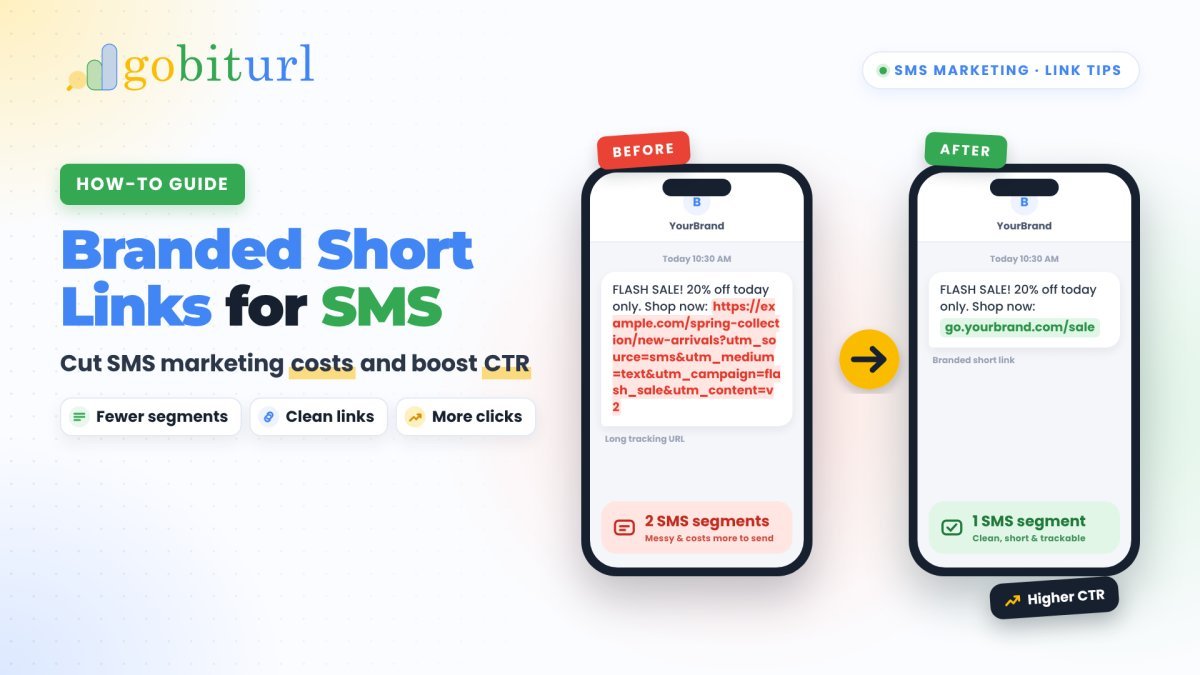
How to Use Branded Short Links to Cut SMS Marketing Costs and Boost CTR
A single unshortened URL with UTM parameters can push an SMS past the 160-character mark—instantly doubling your messaging bill while looking suspicious to recipients. Learn the exact SMS segment math and how clean short links protect your budget and increase clicks.
Best Free QR Code Generators That Don't Expire After 14 Days (2027 Comparison)
Tired of printing flyers only to have your QR code die after a 14-day free trial? Here are the best genuinely free QR code generators in 2027 that never expire.

UTM Builder Guide: How to Create & Shorten Trackable Links for GA4 (Instagram vs. WhatsApp Traffic)
Stop guessing where your sales are coming from. Master GA4 campaign tracking and learn how to create, shorten, and track campaign links for free using the GoBitURL UTM Builder.
Enjoyed this? Try the tool.
Shorten links, make QR codes and see who clicks — free.
0 Comments
Be the first to comment.
Leave a Comment