
How to Check If a Website Is Safe or a Scam Before You Click
Learn the exact red flags that expose phishing links and fake stores—and see how you can scan any domain's age, WHOIS records, SSL certificate, and page code in seconds using a free website safety checker.

Every day, millions of people receive links via text messages, emails, and social media ads that look completely legitimate at first glance. A convincing logo, a familiar brand name, and a locked padlock icon in the address bar are often enough to make someone enter their password or credit card details.
Yet modern scammers have become skilled at mimicking real websites. Relying on a quick visual glance is no longer enough to protect your personal data or money. Before you log into an unfamiliar portal or buy from a new online store, running a background check on the URL can save you from identity theft and financial loss.
Here is how cybercriminals build convincing traps—and how you can inspect any link in plain English before trusting it.
Why the Browser Padlock Icon Is No Longer Enough
For years, internet users were told to look for HTTPS and the padlock icon as proof that a website was trustworthy. While an SSL/TLS certificate encrypts the connection between your device and the server, encryption does not equal legitimacy.
Today, anyone—including a scammer—can obtain a free security certificate in minutes. A phishing site stealing banking credentials can easily display a valid padlock. To know whether a site is genuinely safe or fishy, you have to look beneath the surface at four core technical signals.
4 Signals That Reveal Whether a Website Can Be Trusted
- Domain Age and Registration History Scam websites rarely stay online for long; most are registered, used for a quick campaign, and abandoned within weeks. Checking when a domain was created and when it expires tells you a lot. If a website claims to be a decade-old retailer offering massive clearance discounts, yet its domain was registered three days ago, walk away immediately.
- WHOIS Ownership and Registrar Records WHOIS records reveal which registrar manages the domain, its name servers, and its technical status. While modern privacy laws (such as GDPR) mask individual owner names behind privacy shields, legitimate businesses use reputable registrars and maintain consistent infrastructure. Shady operations frequently cluster on disposable registrars and lack clear abuse-reporting contacts.
- Security Certificate Mismatches and Server Setup Even when a site uses HTTPS, mismatched certificates, unusual hosting configurations, or suspicious redirects can signal danger. A proper security scan verifies that the certificate actually belongs to the domain you are visiting and checks where the server is hosted.
- On-Page Code and Look-Alike Spoofing Phishing pages often use "typosquatting"—registering domains that look nearly identical to famous brands (for example, swapping an
lfor anIor adding an extra hyphen). Beyond the URL itself, inspecting the page content can uncover fake login forms configured to send your keystrokes to an external third-party server, along with high-pressure scam wording designed to make you panic.
Check Any Link in Seconds with Go Bit Url Website Safety Checker
You do not need to be a cybersecurity analyst or manually query command-line WHOIS databases to verify a link. We built the Go Bit Url Website Safety Checker to do the heavy lifting automatically and translate technical diagnostics into plain, actionable language.
When you paste any web address into our free checker:
- No Sign-Up Required: Run instant scans without creating an account.
- Read-Only Safety: Our scanner only reads public domain records and page structure—it never logs in, submits forms, or interacts with malicious scripts.
- Plain-English Verdict: Instead of burying you in raw server logs, we combine domain age, registrar details, HTTPS configuration, look-alike brand checks, and Google Safe Browsing signals into a clear trust assessment.
What to Do If a Website Comes Back "Fishy"
If you scan a link and see warning flags—such as a brand-new domain imitating a known company or suspicious form behavior—follow these steps right away:
- Close the tab immediately: Do not enter passwords, one-time passwords (OTPs), UPI details, or card numbers.
- Do not download files: Avoid PDFs, APKs, or browser extensions offered on the page.
- Secure your accounts if you already interacted: If you typed in a password, change it immediately on the official website (and anywhere else you reuse that password). If you shared payment details, contact your bank or card issuer right away.
- Report the domain: Help protect others by reporting the URL to Google Safe Browsing or the domain registrar's abuse contact listed in the WHOIS report.
Ready to test a suspicious link? Paste any URL into the Go Bit Url Website Safety Checker now to see its real age, security status, and trust score before you click.
Frequently asked questions
Does a "safe" result guarantee a website is 100% honest?
No automated tool can guarantee human honesty. A safe result confirms that the website shows no technical red flags, malware warnings, or spoofing patterns. You should still exercise caution before sending money to unfamiliar sellers.
Why is the owner's name hidden in WHOIS results?
Under global data protection regulations like GDPR, domain registrars hide personal registrant names behind privacy proxies by default. However, creation dates, expiration dates, registrar details, and abuse contacts remain visible and are strong indicators of domain credibility.
Keep reading
More stories you might like.
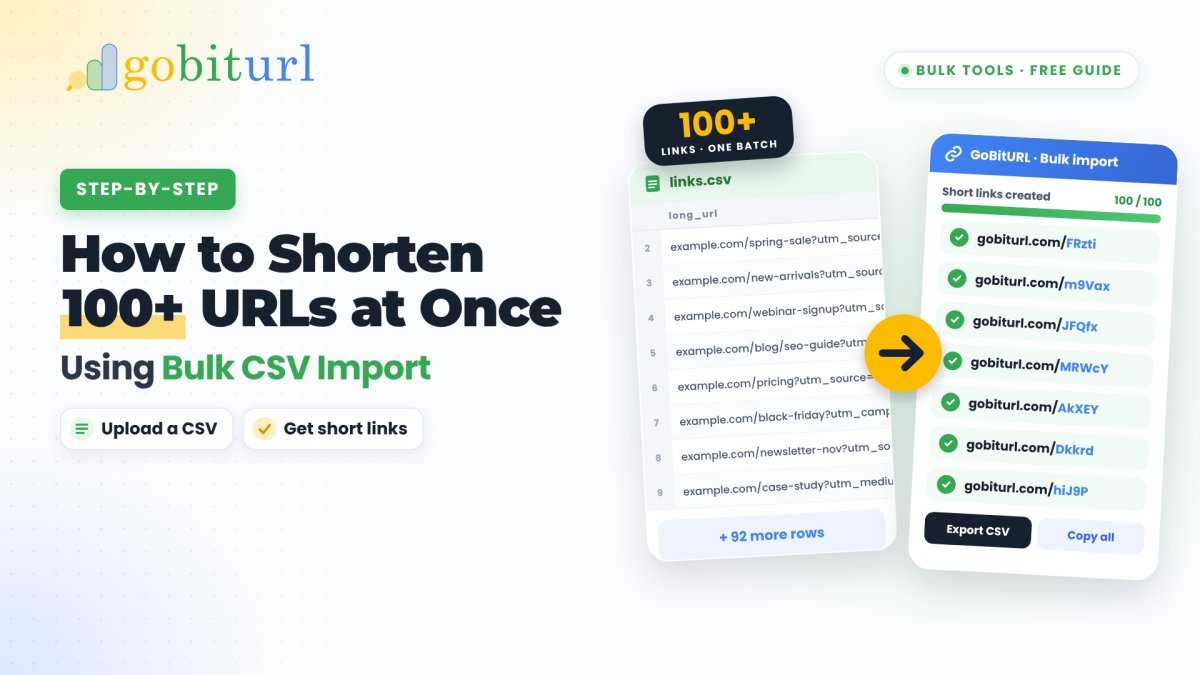
How to Shorten 100+ URLs at Once Using Bulk CSV Import (Free Guide)
Manually shortening URLs one by one wastes hours during product launches, SMS blasts, and e-commerce catalog updates. This guide shows marketing and operations teams how to prepare a clean CSV file, shorten hundreds of links simultaneously for free with GoBitURL, and export a ready-to-use campaign sheet.
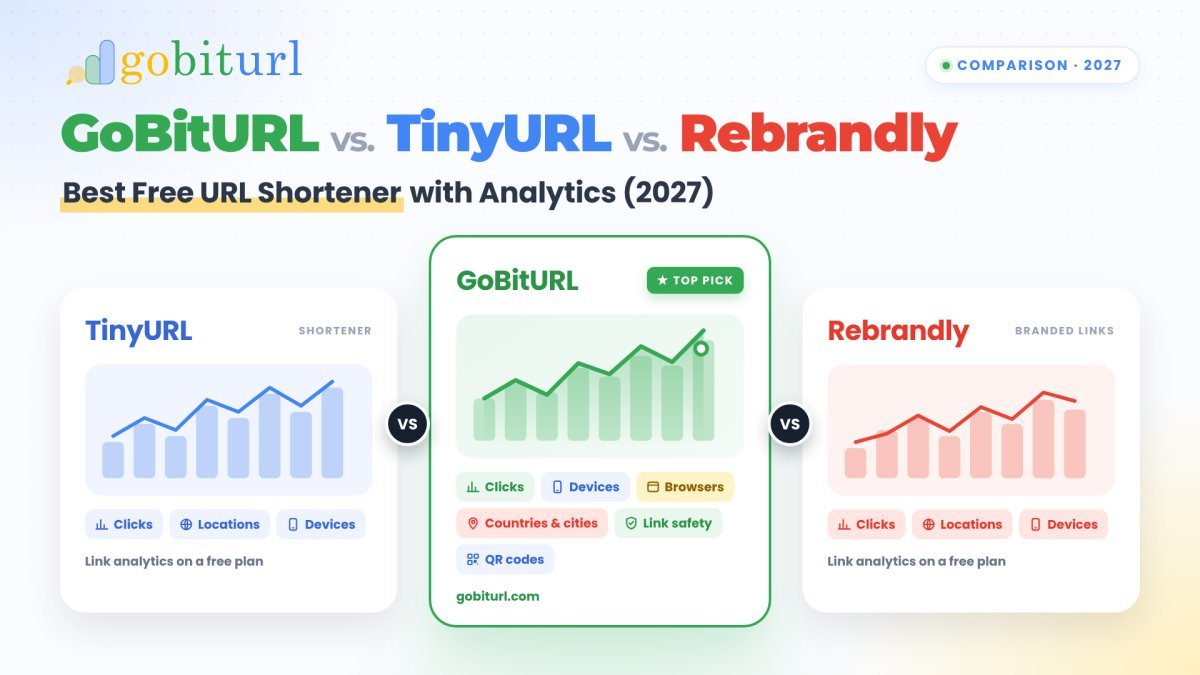
GoBitURL vs. TinyURL vs. Rebrandly: Best Free URL Shortener with Analytics (2027)
Looking for a free URL shortener with real click analytics in 2027? Compare GoBitURL, TinyURL, and Rebrandly on free limits, tracking features, custom aliases, and ease of use.
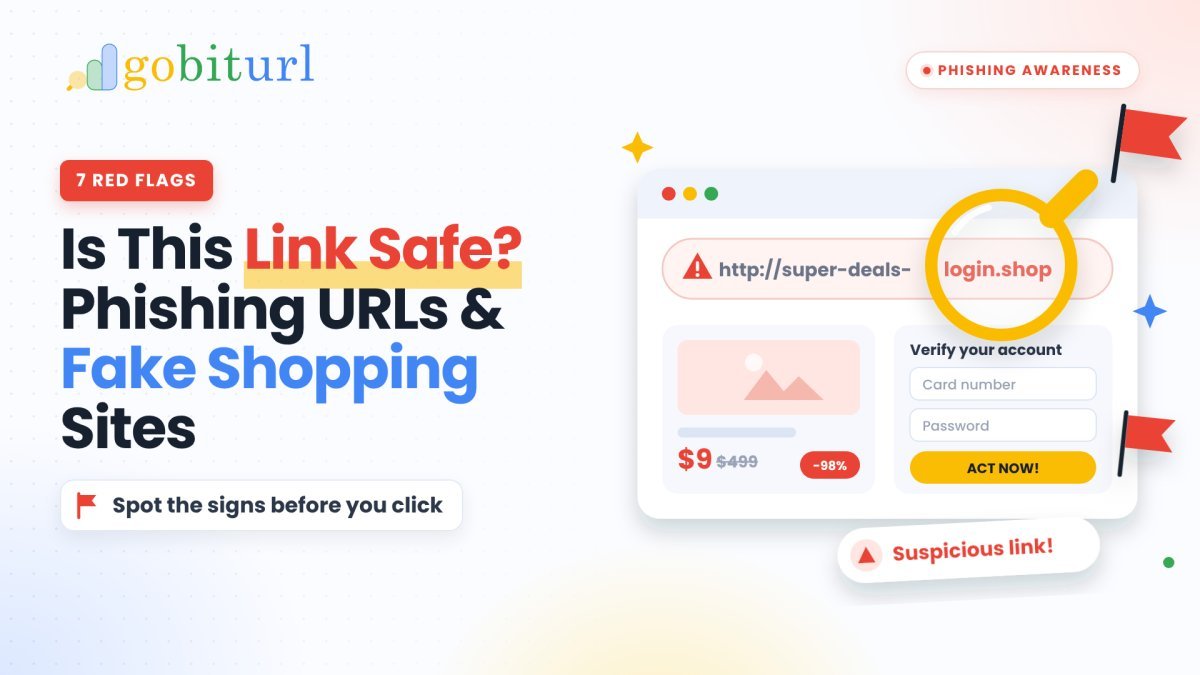
Is This Link Safe? 7 Red Flags of Phishing URLs and Fake Shopping Sites
Clicking the wrong link can expose your passwords, banking details, or card information in seconds. Learn how to spot 7 common red flags of phishing URLs and fake shopping websites—and how to verify any link safely before you click.
Enjoyed this? Try the tool.
Shorten links, make QR codes and see who clicks — free.
0 Comments
Be the first to comment.
Leave a Comment