
How to Shorten 100+ URLs at Once Using Bulk CSV Import (Free Guide)
Manually shortening URLs one by one wastes hours during product launches, SMS blasts, and e-commerce catalog updates. This guide shows marketing and operations teams how to prepare a clean CSV file, shorten hundreds of links simultaneously for free with GoBitURL, and export a ready-to-use campaign sheet.
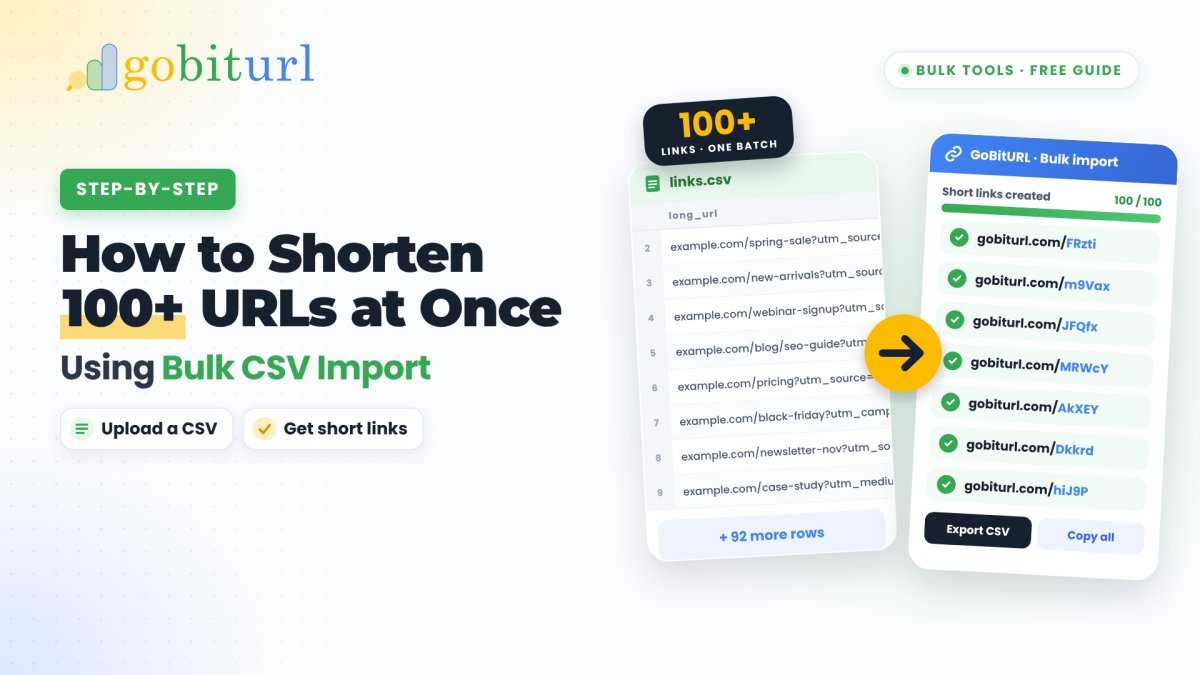
Shortening a single link takes five seconds. Shortening 250 product URLs for a seasonal WhatsApp broadcast, regional email sequence, or print catalog takes an afternoon—and almost always introduces copy-paste errors.
Most URL shorteners lock batch processing behind expensive enterprise tiers. If you want to shorten 100 or 1,000 links without writing code or paying a recurring SaaS fee, bulk CSV import is the fastest workflow available.
This guide walks through preparing your spreadsheet, running a free batch import on GoBitURL, and exporting a clean link library your entire team can use.
When Bulk URL Shortening Saves the Most Time
Batch link generation isn't just for massive agencies. High-velocity teams rely on CSV imports whenever URLs scale faster than manual workflows:
- SMS and WhatsApp Campaigns: Generating unique, trackable links for segmented customer lists without blowing past character limits.
- E-Commerce Catalogs: Creating clean links and paired QR codes for hundreds of SKUs, packaging inserts, or wholesale price sheets.
- Multi-Channel Paid Media: Turning spreadsheets of UTM-tagged landing pages into tidy links organized by campaign, category, and tag.
- Affiliate & Partner Distribution: Issuing distinct links for dozens of resellers, influencers, or regional sales reps in a single upload.
Step 1: Prepare Your CSV File Properly
Clean input prevents failed rows. Before uploading, structure your spreadsheet in Google Sheets, Excel, or LibreOffice Calc and export it as a UTF-8 CSV (.csv) file.
Use clear, consistent columns so your links stay searchable after import:
| destination_url | name | category | tags |
|---|---|---|---|
| https://example.com/products/widget-a?utm_source=sms | Widget A Promo | Q4 Launch | sms, north-region |
| https://example.com/products/widget-b?utm_source=sms | Widget B Promo | Q4 Launch | sms, west-region |
| https://example.com/webinar-register?utm_source=email | B2B Webinar Invite | Lead Gen | email, webinar |
Pre-upload checklist to avoid errors:
- Include the full protocol: Every destination URL must start with
https://orhttp://. Bare domains likeexample.com/pageoften fail validation. - Strip trailing spaces: Run
=TRIM()in Excel or Google Sheets on your URL column to eliminate invisible spaces copied from CRMs. - Remove blank rows: Delete empty trailing rows at the bottom of your sheet so the importer doesn't flag empty records.
- Encode special characters: Ensure spaces or unusual symbols in query parameters are properly URL-encoded before export.
Step 2: Upload and Process Your Batch on GoBitURL
Once your CSV is clean, generating the links takes less than a minute:
- Log in to your free account on GoBitURL.
- Navigate to the Bulk Link Processing (CSV Import) section in your dashboard.
- Upload your prepared
.csvfile and verify that your URL column and optional metadata (names, categories, and tags) align properly. - Run the batch import. GoBitURL processes hundreds or thousands of long URLs in a single pass and stores them neatly inside your workspace.
Step 3: Organize, Secure, and Export Your Short Links
Generating links is only half the workflow. Once your batch is live, you can apply operational controls across your campaigns:
- Filter by Category and Tags: Keep Q4 promos separate from evergreen sales decks so team members never grab an outdated link.
- Set Campaign Controls: For time-sensitive drops or capped giveaways, configure Scheduled Active & Expiry Date-Time or Maximum Click Limits so links deactivate automatically.
- Export Back to CSV: Use GoBitURL’s one-click CSV Export to download your newly created short URLs alongside their original destinations. Drop that sheet straight into your email platform, SMS gateway, or client report.
Ready to stop copy-pasting links? Create your free GoBitURL account and run your first bulk CSV import in under two minutes.
Frequently asked questions
Is bulk CSV URL shortening really free on GoBitURL?
Yes. Unlike typical shorteners that restrict bulk CSV import and export to paid monthly plans, GoBitURL includes batch CSV processing, UTM building, tags, and team assignment at zero cost.
Can I include UTM parameters inside my bulk CSV file?
Yes. You can build your UTM-tagged destination URLs in your spreadsheet before importing, or use GoBitURL's built-in UTM builder for individual campaign links. Your audience sees a clean short link while your analytics tool captures utm_source, utm_medium, and utm_campaign accurately.
What happens if one URL in my CSV is broken?
Validation flags malformed rows (such as missing https:// prefixes) so you can fix those specific lines without redoing the entire batch.
Keep reading
More stories you might like.
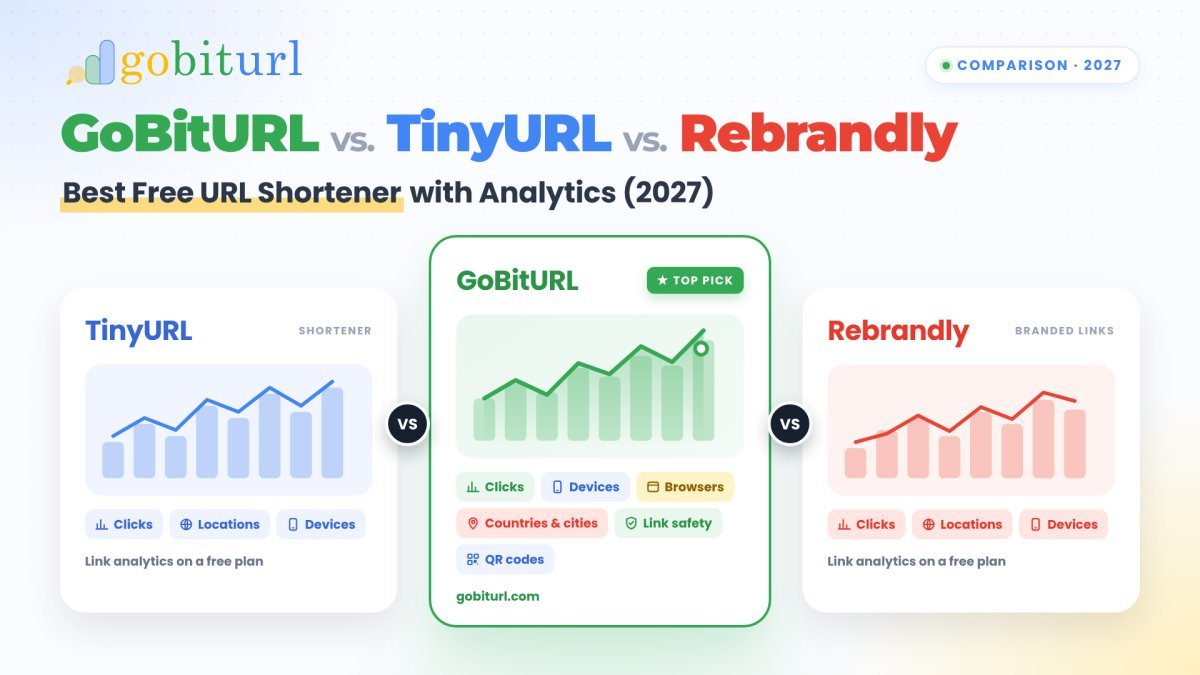
GoBitURL vs. TinyURL vs. Rebrandly: Best Free URL Shortener with Analytics (2027)
Looking for a free URL shortener with real click analytics in 2027? Compare GoBitURL, TinyURL, and Rebrandly on free limits, tracking features, custom aliases, and ease of use.
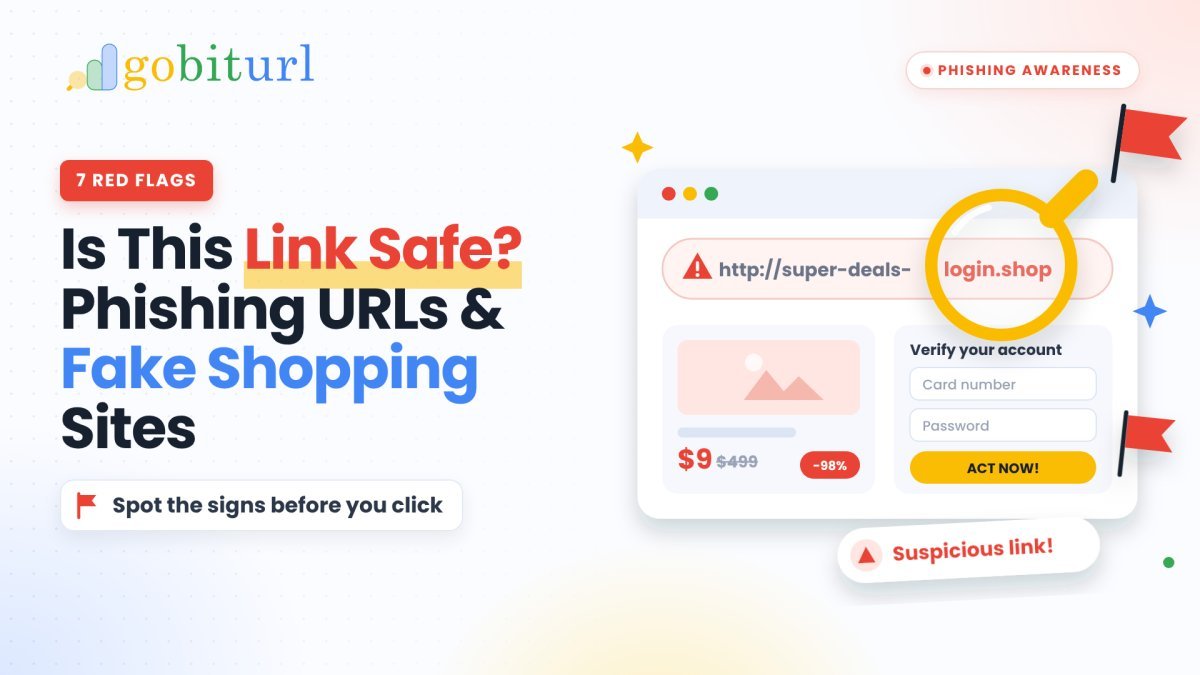
Is This Link Safe? 7 Red Flags of Phishing URLs and Fake Shopping Sites
Clicking the wrong link can expose your passwords, banking details, or card information in seconds. Learn how to spot 7 common red flags of phishing URLs and fake shopping websites—and how to verify any link safely before you click.
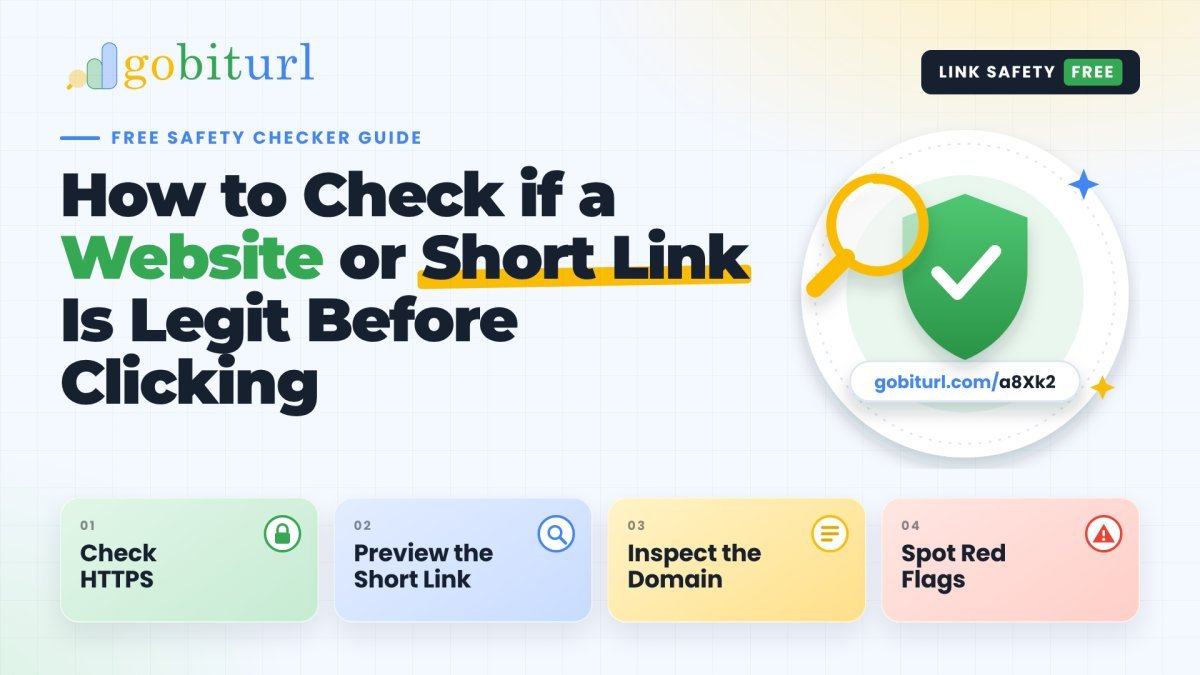
How to Check if a Website or Short Link Is Legit Before Clicking (Free Safety Checker Guide)
Received a suspicious URL or shortened link? Learn how to safely expand short links, run free security scans, spot phishing red flags, and verify any website before you click.
Enjoyed this? Try the tool.
Shorten links, make QR codes and see who clicks — free.
0 Comments
Be the first to comment.
Leave a Comment