
How to Create a Short LinkedIn URL: The Ultimate Guide to Custom & Trackable Links
Tired of clunky, unprofessional LinkedIn links ruining your resume and social bios? Learn how to customize your native LinkedIn profile link and use GoBitURL to create ultra-short, trackable links for your posts, articles, and job applications.
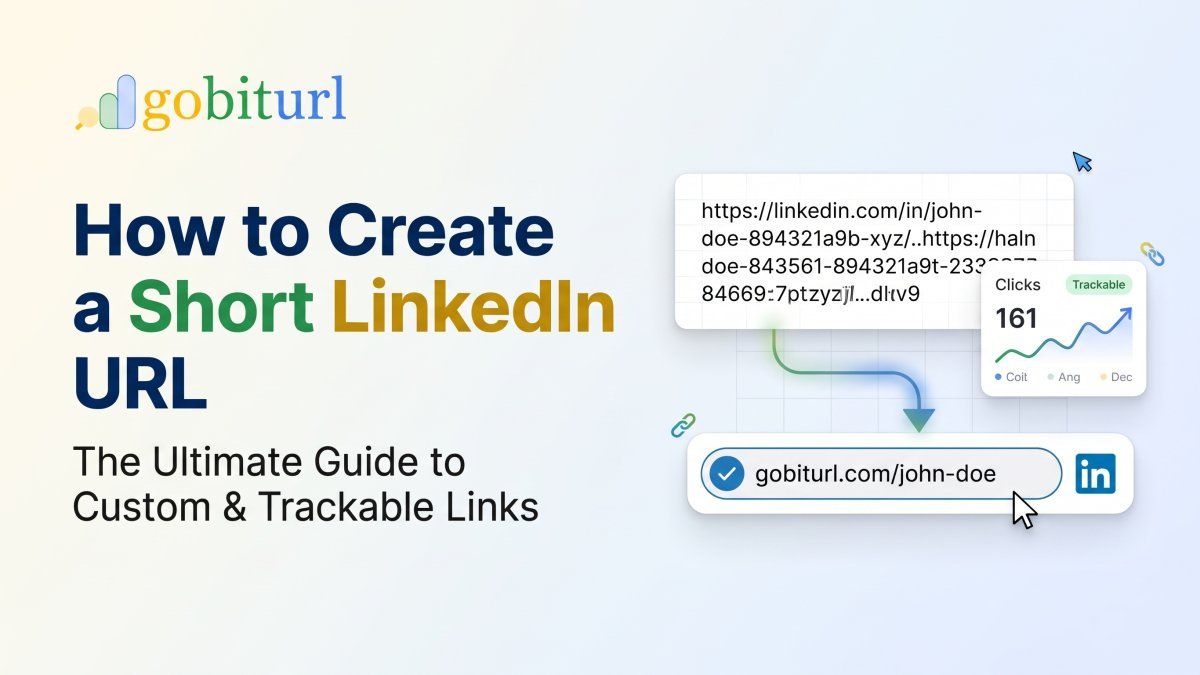
Why Your Default LinkedIn URL Is Holding You Back
Have you ever copied a link to your LinkedIn profile or a recent post, pasted it into an email or resume, and cringed at how long it looked?
By default, LinkedIn assigns every new user a profile address packed with random numbers and letters—something like [linkedin.com/in/john-doe-894321a9b/](https://linkedin.com/in/john-doe-894321a9b/). Even worse, when you try to share a LinkedIn article, job listing, or company update, the generated URL often stretches across three lines of text filled with tracking parameters and symbols.
In the professional world, details matter. A cluttered link looks untrustworthy, takes up valuable character space, and is impossible to type from a printed resume or business card. Creating a short LinkedIn URL solves this immediately, giving you a clean, memorable, and professional digital footprint.
Two Ways to Shorten a LinkedIn URL (And Which One You Need)
Depending on what you are sharing, there are two distinct methods to clean up your LinkedIn links:
- LinkedIn's Native Vanity URL: Best for removing the random numbers at the end of your personal profile link.
- A Dedicated URL Shortener (GoBitURL): Best for making your profile link ultra-compact, shortening long LinkedIn post/article links, adding custom branded aliases, and tracking how many people actually click your links.
Let's walk through how to do both.
Method 1: How to Customize Your Native LinkedIn Profile URL
Before sharing your profile anywhere, you should clean up your default public profile address directly inside LinkedIn.
On Desktop:
- Log into LinkedIn and click the Me icon at the top of your homepage.
- Select View Profile.
- On the right side of your profile page, click Edit public profile & URL (the pencil icon).
- Under the section titled Edit your custom URL on the top right, click the pencil icon next to your current URL.
- Type your preferred custom ending (ideally just your first and last name, like
johndoeorjohn-doe-marketing). - Click Save.
On the Mobile App:
- Tap your profile picture in the top-left corner and tap View Profile.
- Tap the Edit (pencil) icon in your intro section, or tap the three dots (...) next to "Add section" and select Contact info.
- Tap the pencil icon next to your Profile URL, which redirects you to your Public Profile settings.
- Tap the edit icon under Edit your custom URL, enter your clean name, and tap Save.
The Limitations of LinkedIn's Native URL
While changing your native slug removes the random numbers, it still leaves you with [https://www.linkedin.com/in/yourname](https://www.linkedin.com/in/yourname)—which is at least 30+ characters long before you even add your name. Furthermore, LinkedIn does not let you customize the URLs of your posts, articles, newsletters, or job listings, nor does it tell you who clicked your link from your resume or email signature.
That is where GoBitURL steps in.
Method 2: Create an Ultra-Short, Trackable LinkedIn URL with GoBitURL
Whether you are sharing a thought-leadership post on X (formerly Twitter), placing a link in your Instagram bio, or sending out 50 resumes to tech recruiters, GoBitURL turns unwieldy LinkedIn addresses into sleek, powerful micro-links.
Step-by-Step: Shortening Your Link on GoBitURL
- Copy your LinkedIn link: Grab the URL of your LinkedIn profile, company page, post, or article.
- Visit GoBitURL: Open https://gobiturl.com in your browser.
- Paste and Customize: Paste your long LinkedIn address into the shortener box. If you want a custom back-half (for example,
gobiturl.com/hire-john), enter your preferred alias. - Generate & Share: Click Shorten. Your new, lightweight URL is ready to paste anywhere!
Why Professionals Prefer GoBitURL for LinkedIn Links
Using a dedicated link management platform like GoBitURL gives you advantages that native LinkedIn settings simply cannot match:
- Real-Time Click Analytics: Ever wonder if the hiring manager actually opened the LinkedIn link on your resume? With GoBitURL, you can track total clicks, geographic locations, device types, and referral sources in real time.
- Shorten Posts, Pulse Articles & Job Links: LinkedIn post URLs are notoriously massive (often exceeding 120 characters). GoBitURL compresses them down to a fraction of the size so your social captions stay clean.
- Print & Business Card Ready: Nobody wants to type a 45-character URL off a paper business card or presentation slide. A short GoBitURL link or auto-generated QR code lets prospects connect with you on LinkedIn in one scan.
- Higher Click-Through Rates (CTR): Clean, purposeful links build trust. Audiences are significantly more likely to click a neat short link than a suspiciously long string of numbers and
%20symbols. - Link Updating & Management: Keep all your professional links organized in one dashboard instead of hunting down raw URLs every time you network.
5 Smart Places to Use Your Short LinkedIn URL
Once you have generated your short link on GoBitURL, put it to work across your professional channels:
- Resumes & CVs: Create a unique GoBitURL link specifically for your resume so you can track exactly when recruiters view your profile.
- Email Signatures: Replace clunky hyperlinks in your daily emails with a crisp, branded short link.
- Social Media Bios: Make the most of limited bio space on Instagram, X, TikTok, and YouTube.
- Conference Slides & Webinars: Put a short, memorable GoBitURL link and QR code on your final presentation slide so attendees can connect with you immediately.
- Cold Outreach & Networking Messages: Keep your DMs and outreach emails concise without massive URL previews breaking up your pitch.
Ready to Upgrade Your LinkedIn Presence?
Don't let messy, unappealing links hold back your personal brand or marketing campaigns. Customize your profile slug today, and head over to GoBitURL.com to create fast, reliable, and trackable short links for everything you share on LinkedIn.
Frequently asked questions
How do I get a short LinkedIn URL for my resume?
You can shorten your LinkedIn URL for a resume in two steps. First, customize your native public profile slug inside LinkedIn settings to remove the default random numbers (making it [linkedin.com/in/yourname](https://linkedin.com/in/yourname)). Second, paste that link into GoBitURL to create an ultra-compact, custom short link. Not only does a GoBitURL link save space on a printed or PDF resume, but it also lets you track when recruiters actually click your link.
Why is my LinkedIn post URL so long, and how can I shorten it?
When you copy a link to a LinkedIn post, article, or job listing, LinkedIn attaches activity IDs and tracking parameters, often stretching the link over 100 characters. Since LinkedIn does not offer a built-in way to customize post links, you can paste the long post URL into GoBitURL to instantly compress it into a clean, shareable short link.
Does LinkedIn have a built-in URL shortener?
LinkedIn automatically shortens external links that exceed 26 characters when you publish them inside a LinkedIn post (converting them to lnkd.in links). However, LinkedIn does not provide a tool for you to manually shorten your own LinkedIn profile, company page, or post links to share on other platforms like resumes, email signatures, or Instagram bios. Using GoBitURL gives you full control to shorten and customize any LinkedIn link for external use.
Can I see who clicked my short LinkedIn URL?
While privacy laws prevent any URL shortener from showing the personal name of the individual who clicked your link, GoBitURL provides detailed, real-time click analytics. You can see the exact number of clicks, the time of the click, the geographic location (city and country), the device type, and the referral source—which is ideal for knowing if a hiring manager in a specific city opened your resume link.
Is it safe to use a URL shortener like GoBitURL for LinkedIn?
Yes, using a trusted link shortener like GoBitURL is completely safe and does not violate LinkedIn's terms of service. It simply acts as a fast, secure redirect (301/302) that sends visitors directly to your official LinkedIn profile, company page, or article while recording anonymous click statistics for your dashboard.
What should I put if my name is already taken on LinkedIn's custom URL?
If your exact name is already claimed on LinkedIn, avoid adding random birth years or numbers. Instead, add your middle initial, profession, or industry keyword (for example, john-doe-marketing or johndoe-cpa). Alternatively, you can create a custom branded short link on GoBitURL with a fresh alias that matches your personal brand.
What happens to my old LinkedIn URL after I customize it?
When you change your native LinkedIn public profile URL, LinkedIn redirects your old URL to your new one for up to 6 months. After 6 months, the old link will break if someone clicks it. However, if you share a GoBitURL short link on your resume and social profiles, you can simply update the destination URL inside your GoBitURL dashboard anytime without ever breaking the link you already shared.
Can I turn my short LinkedIn URL into a QR code for business cards?
Yes! When you shorten your LinkedIn profile link with GoBitURL, you can generate a scannable QR code tied directly to that short link. Printing this QR code on your business cards, conference badges, or presentation slides lets people connect with you on LinkedIn using their smartphone camera in seconds.
Keep reading
More stories you might like.
How to Shorten YouTube Links to Boost Views, Click-Through Rates, and Brand Trust
Long, cluttered YouTube URLs can kill your click-through rates and ruin your social media bios. Learn how shortening and customizing your YouTube links with GoBitURL can drive more views, solve the mobile app login problem, and provide deep audience analytics.

Spain Train Crashes: Safety Investigations, High-Speed Rail Security, and Lessons from History
Spain operates one of the most extensive high-speed rail systems in the world, yet recent high-speed collisions and historical derailments have placed national infrastructure under scrutiny. This comprehensive report breaks down signalling safeguards, operator protocols, and ongoing safety reforms across Spain’s railway network.
Israel Election Results 2026 Live: Netanyahu vs. Gadi Eisenkot Exit Polls, Seat Count & Coalition Math
Israel's historic October 27, 2026 general election has plunged the nation into a high-stakes parliamentary deadlock. While Prime Minister Benjamin Netanyahu's Likud party holds the lead in preliminary vote counts, neither his right-wing coalition nor rival Gadi Eisenkot's opposition bloc has secured the 61 seats required to govern. Here is the complete breakdown of the exit polls, official Central Elections Committee tallies, and how more than 600,000 "double-envelope" military ballots could fl
Enjoyed this? Try the tool.
Shorten links, make QR codes and see who clicks — free.
0 Comments
Be the first to comment.
Leave a Comment