
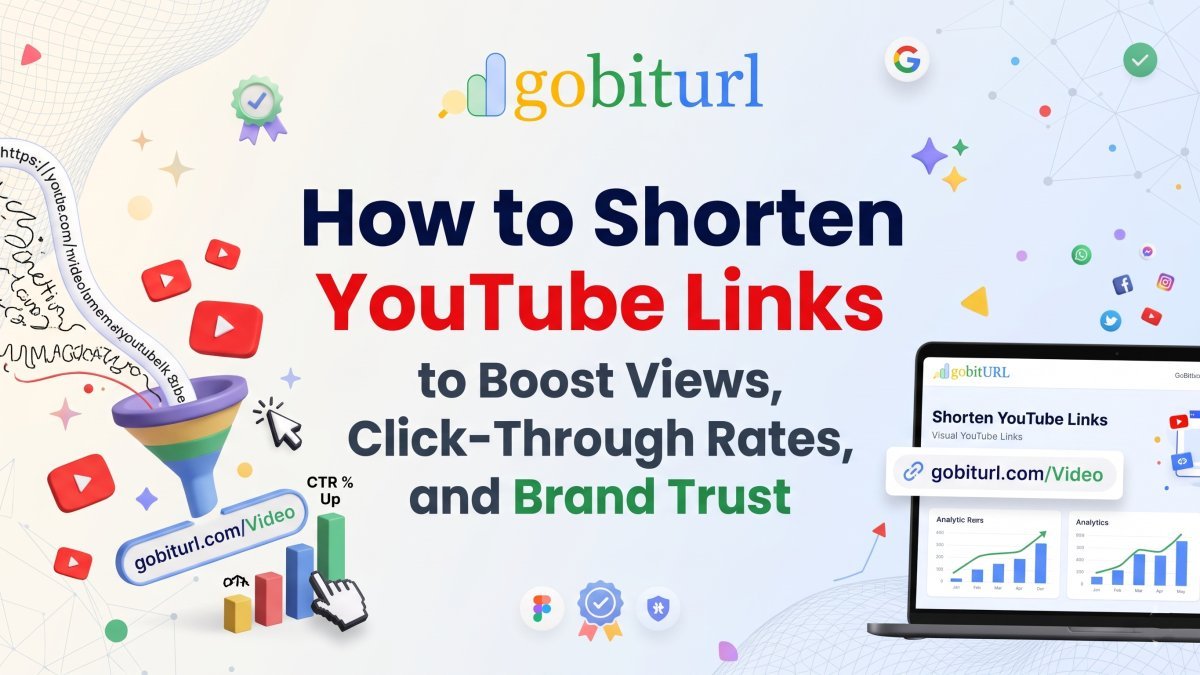
How to Shorten YouTube Links to Boost Views, Click-Through Rates, and Brand Trust
Long, cluttered YouTube URLs can kill your click-through rates and ruin your social media bios. Learn how shortening and customizing your YouTube links with GoBitURL can drive more views, solve the mobile app login problem, and provide deep audience analytics.
Every minute, over 500 hours of video are uploaded to YouTube. As a creator, marketer, or business owner, filming and editing a great video is only half the battle—getting people to actually click and watch it is where the real challenge begins.
When you copy a link directly from YouTube—especially a channel URL, a playlist, or a link with timestamp and tracking parameters—you often end up with a chaotic string of random letters, numbers, and symbols:
[https://www.youtube.com/watch?v=dQw4w9WgXcQ&list=PL8dPuuaLjXtN0ge7yDk_UA0ldZJdhwkoV&index=4](https://www.youtube.com/watch?v=dQw4w9WgXcQ&list=PL8dPuuaLjXtN0ge7yDk_UA0ldZJdhwkoV&index=4)
Dropping a link like that into an Instagram bio, an SMS campaign, a podcast show note, or a printed flyer looks cluttered and unprofessional. Worse, it actively hurts your click-through rate (CTR).
By using a dedicated YouTube link shortener like GoBitURL, you can transform messy web addresses into clean, memorable, and trackable short links that capture attention and drive more viewers to your content.
Why You Should Always Shorten Your YouTube URLs
While YouTube offers its own default youtu.be shortener, it has major limitations: you cannot customize the back-half of the link, you cannot update the destination if you re-upload a video, and you get zero click analytics outside of YouTube Studio.
Using GoBitURL to shorten your YouTube links gives you five distinct advantages:
1. Higher Click-Through Rates (CTR) with Branded Links
Internet users are naturally cautious of long, unrecognizable URLs that look like spam. Studies consistently show that branded, readable short links (like gobiturl.com/New-Vlog or yourbrand.link/tutorial) receive up to 39% more clicks than generic long URLs. When your audience knows exactly what to expect before they click, trust goes up—and so do your views.
2. Cross-Platform Analytics Before They Even Hit Play
YouTube Studio tells you what happens after someone lands on your video, but it leaves you in the dark about link performance across specific marketing channels. With GoBitURL, you get real-time analytics on every shortened link:
- Total & Unique Clicks: See exactly how many people engaged with your link.
- Geographic Data: Discover which countries and cities are driving the most interest.
- Device & Browser Breakdown: Know whether your audience is clicking from iOS, Android, or desktop.
- Referral Sources: Compare how your link performs on X (Twitter) vs. LinkedIn vs. your email newsletter.
3. Perfect for Offline Marketing & Verbal Sharing
Have you ever tried telling podcast listeners or live-stream viewers to visit youtube.com/channel/UC_x5XG1OV2P6uZZ5FSM9Ttw? Nobody is typing that in. When you shorten and customize your link with GoBitURL—or generate an instant QR Code for product packaging, business cards, and event banners—you bridge the gap between offline audiences and your YouTube channel effortlessly.
4. Editable Destinations (Link Redirection)
Imagine putting a link to your latest product demo in 50 different social media posts, your email signature, and a printed brochure—only to realize there is an audio glitch in the video and you need to re-upload it. With a standard YouTube link, every single one of those placements is now broken. With GoBitURL, you simply log into your dashboard and update the destination URL. The short link stays exactly the same, and your traffic seamlessly redirects to the new video.
5. Space-Saving for Bios and SMS Marketing
Whether you are working within character limits on SMS campaigns, X posts, or social media bios on Instagram and TikTok, every character counts. A compact link leaves more room for compelling calls-to-action (CTAs) and hashtags.
Which YouTube Links Should You Shorten?
- Individual Videos & Premiers: Turn long watch links into punchy, memorable slugs for launch day promotion.
- YouTube Shorts: Shorts URLs often look clunky when shared outside the platform; a clean short link makes them effortless to drop into WhatsApp groups, Discord servers, or newsletters.
- Auto-Subscribe Channel Links: Want a secret growth hack? Append
?sub_confirmation=1to the end of your YouTube channel URL, then shorten the entire link on GoBitURL. Whenever someone clicks your clean short link on desktop, YouTube will automatically trigger a pop-up asking them to subscribe! - Timestamped Links & Playlists: Share a specific chapter of a 2-hour podcast or a multi-part course playlist without exposing a three-line URL filled with
&t=1420s&list=parameters.
How to Shorten a YouTube Link in 3 Simple Steps with GoBitURL
Shortening and optimizing your video links takes less than 30 seconds:
- Copy Your YouTube URL: Go to the YouTube video, Short, playlist, or channel you want to promote and copy the full address from your browser bar or the "Share" menu.
- Paste into GoBitURL: Head over to GoBitURL.com and paste your long URL into the link shortener box.
- Customize, Generate & Share: Customize your back-half slug (e.g.,
gobiturl.com/ep42), generate a matching QR code if needed, and click Shorten. Copy your new link and share it anywhere—then watch the real-time click data roll in from your dashboard.
Pro Tips for Maximizing Your YouTube Link Clicks
- Use Action-Oriented Slugs: Instead of leaving random characters at the end of your short link, use descriptive keywords like
/watch-guide,/free-workout, or/2026-review. - Create Separate Short Links for Different Channels: Want to know whether your Instagram Story or your newsletter drives more views? Create two distinct GoBitURL links pointing to the same YouTube video so you can A/B test your promotional channels with 100% accuracy.
- Pair Short Links with UTM Parameters: Add UTM tracking tags to your destination URL before shortening it on GoBitURL. Your audience sees a clean, tiny link, while your analytics suite captures granular campaign data behind the scenes.
Ready to Grow Your YouTube Channel Faster?
Don't let messy, untrackable URLs hold back your video views. Whether you're an independent creator building an audience or a global brand running multi-channel video campaigns, GoBitURL gives you the speed, reliability, and analytics you need to turn every link into a growth engine.
Frequently asked questions
How do I shorten a YouTube link for free?
To shorten a YouTube URL for free, copy the link to your YouTube video, Short, playlist, or channel and paste it into GoBitURL.com. You can customize the back-half of the link (alias) to match your topic—such as [gobiturl.com/my-vlog](https://gobiturl.com/my-vlog)—and click Shorten. Your clean, trackable short link and custom QR code will be ready to share immediately.
Why should I use GoBitURL instead of YouTube’s default youtu.be link?
- Custom Branded Aliases: Create readable, memorable links people can easily type from a video screen, podcast, or flyer.
- External Click Analytics: Track total clicks, unique visitors, countries, cities, device types, and referral platforms in real time.
- 59+ Custom QR Code Designs: Instantly turn any video link into a styled QR code with your own colors, text, and logo in PNG or SVG format.
- Advanced Link Controls: Add password protection, click limits, or automatic expiration dates to your video links.
Does using a URL shortener hurt YouTube SEO or video views?
No, shortening a YouTube link does not negatively impact your YouTube SEO, watch time, or algorithm ranking. GoBitURL uses fast, search-engine-friendly redirects that pass viewers directly to your video without delay. In fact, because clean custom links increase click-through rates (CTR) on social media and email campaigns, they often help drive more initial traffic and engagement to your video.
Can I shorten links for YouTube Shorts, playlists, and channels?
- YouTube Shorts ([youtube.com/shorts/](https://youtube.com/shorts/)...)
- YouTube Channel URLs & Handles ([youtube.com/@yourchannel](https://youtube.com/@yourchannel))
- Playlists & Courses ([youtube.com/playlist?list=](https://youtube.com/playlist?list=)...)
- Timestamped Video Links (links that start playing at an exact minute and second)
- Auto-Subscribe Links (channel links ending in ?sub_confirmation=1)
How can I track where my YouTube link clicks are coming from?
When you create a short link inside your free GoBitURL account, every click is tracked live on your dashboard. You can view real-time breakdowns by country, city, browser, device (mobile vs. desktop), and referrer (such as Instagram, WhatsApp, X, or LinkedIn). You can also use GoBitURL's built-in UTM Builder to attach campaign parameters before shortening, and export all your analytics to a CSV file with one click.
Can I password-protect or set an expiry date on a shortened YouTube link?
- Password Protection: Share unlisted training videos, client drafts, or exclusive member content privately with a key.
- Click Limits: Cap a link so it automatically deactivates after a set number of clicks (e.g., first 100 viewers for a giveaway).
- Expiration Dates: Schedule your promotional video link to switch off automatically on a specific date and time.
How do I create a QR code for a YouTube video?
Every time you shorten a YouTube URL on GoBitURL, a free QR code is generated automatically. You can customize it using 59+ unique QR code designs across 7 categories, choose from 18+ preset or custom hex colors, overlay your channel logo or custom text, and download high-resolution PNG or SVG files for print, merch, or event banners.
Do shortened YouTube links on GoBitURL ever expire?
No. Short links created on GoBitURL remain active permanently unless you manually set an expiration date or click limit in your settings.
Keep reading
More stories you might like.
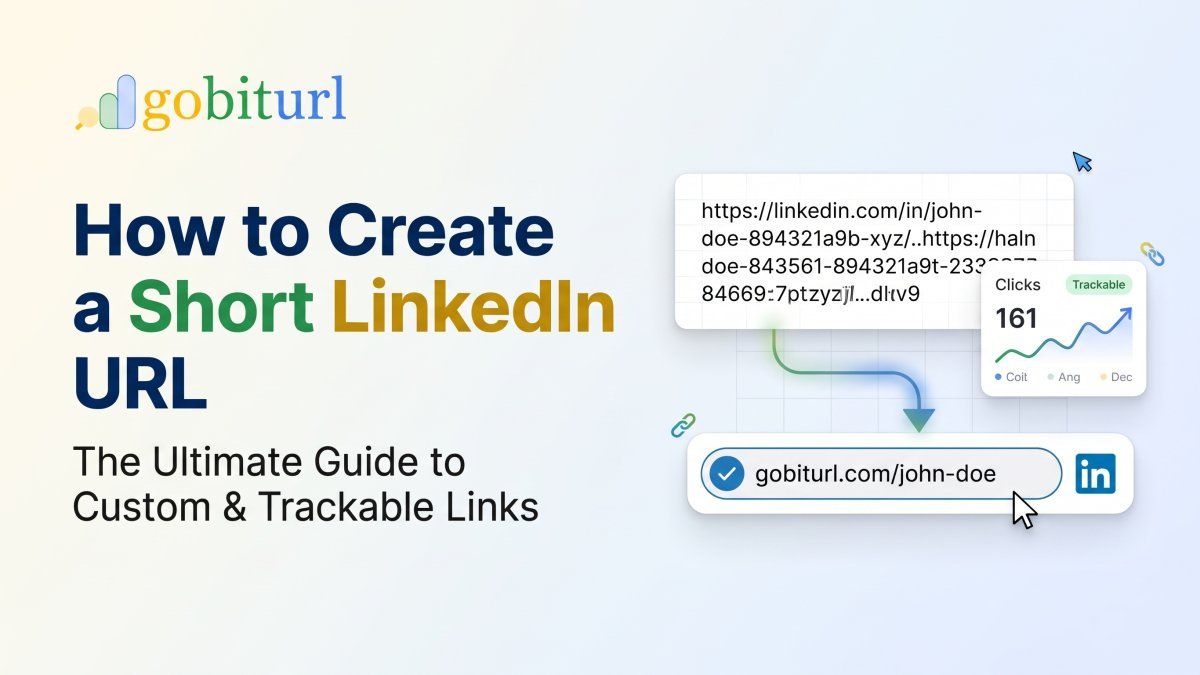
How to Create a Short LinkedIn URL: The Ultimate Guide to Custom & Trackable Links
Tired of clunky, unprofessional LinkedIn links ruining your resume and social bios? Learn how to customize your native LinkedIn profile link and use GoBitURL to create ultra-short, trackable links for your posts, articles, and job applications.
Spain Train Crashes: Safety Investigations, High-Speed Rail Security, and Lessons from History
Spain operates one of the most extensive high-speed rail systems in the world, yet recent high-speed collisions and historical derailments have placed national infrastructure under scrutiny. This comprehensive report breaks down signalling safeguards, operator protocols, and ongoing safety reforms across Spain’s railway network.
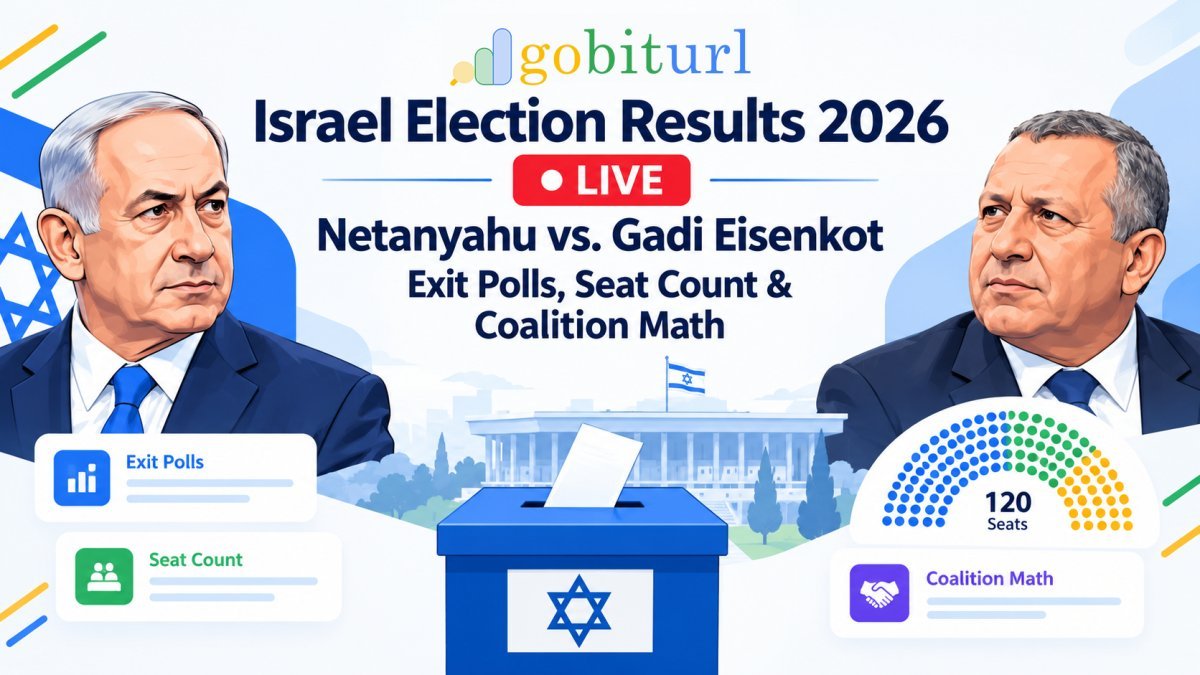
Israel Election Results 2026 Live: Netanyahu vs. Gadi Eisenkot Exit Polls, Seat Count & Coalition Math
Israel's historic October 27, 2026 general election has plunged the nation into a high-stakes parliamentary deadlock. While Prime Minister Benjamin Netanyahu's Likud party holds the lead in preliminary vote counts, neither his right-wing coalition nor rival Gadi Eisenkot's opposition bloc has secured the 61 seats required to govern. Here is the complete breakdown of the exit polls, official Central Elections Committee tallies, and how more than 600,000 "double-envelope" military ballots could fl
Enjoyed this? Try the tool.
Shorten links, make QR codes and see who clicks — free.
0 Comments
Be the first to comment.
Leave a Comment