
How to Password Protect Google Drive Links and Set an Expiration Date Using GoBitUrl
Google Drive makes file sharing effortless, but its free tier lacks native password protection and link expiration for "Anyone with the link" shares. Discover how to add a bulletproof security layer to your Google Drive files in seconds using GoBitUrl.
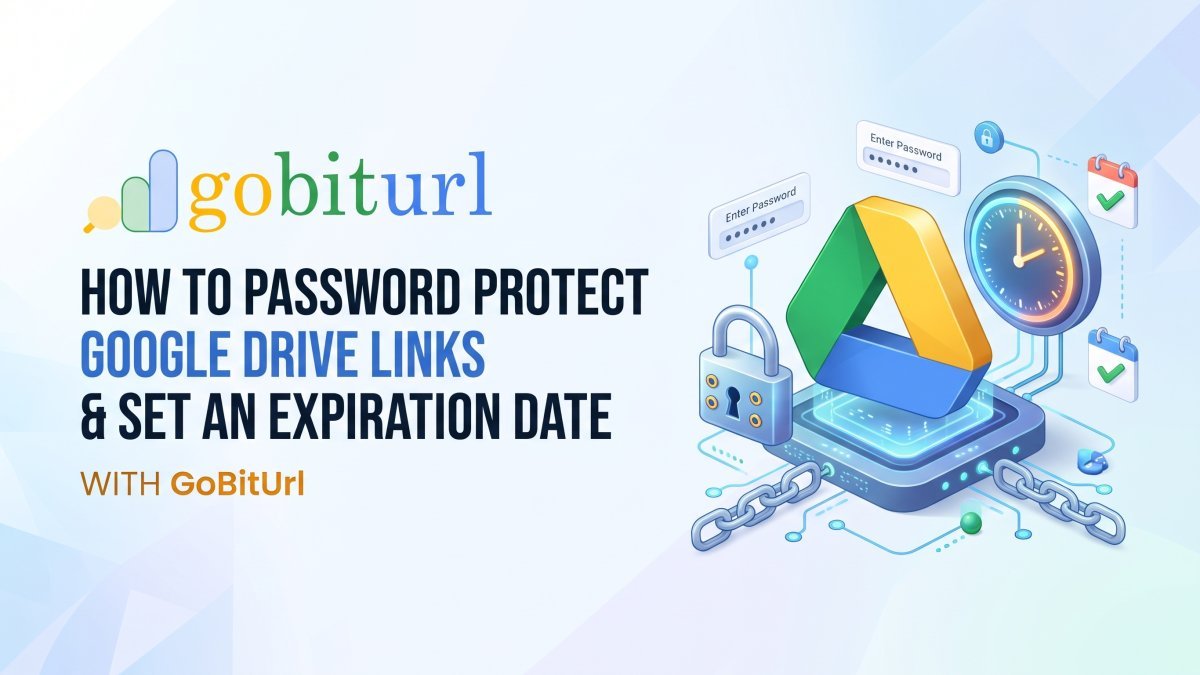
Google Drive is the undisputed king of cloud storage and collaboration. Whether you are a freelancer delivering client assets, an HR manager sending onboarding documents, or a business owner sharing financial spreadsheets, clicking "Copy Link" in Google Drive is second nature.
However, there is a massive security blind spot in standard Google Drive sharing: once you set a link to "Anyone with the link can view," you lose control over where that link goes.
Standard personal Google accounts do not allow you to set a password on a shared link, nor do they let you set an automatic expiration date for public links. If a client forwards your link to an unauthorized third party, or if an old link remains active in an email thread from two years ago, your sensitive files remain exposed.
Thankfully, you don't need expensive enterprise software to fix this. By pairing Google Drive with GoBitUrl, you can wrap your long, vulnerable Drive URLs inside a sleek, shortened link equipped with bank-grade password protection and automated link expiration.
Here is your complete guide on why and how to secure your Google Drive shares using GoBitUrl.
Why Native Google Drive Sharing Isn't Always Enough
When sharing files in Google Drive, you generally have two choices:
- Restricted Access: You manually type in the recipient's email address. The downside? If your client doesn't use a Gmail account, or wants to view the file quickly on a different device without logging in, it creates frustrating friction and "Request Access" emails.
- Anyone with the Link: Frictionless and fast. The downside? Zero security. Google Drive generates a long, ugly URL that remains active forever unless you remember to go back into your Drive and manually revoke permissions.
The Hidden Risks of Unprotected Drive Links:
- Link Forwarding: Anyone who receives your link can post it in a public forum, Slack channel, or forward it to a competitor.
- Forgotten Access: Most professionals share hundreds of files a year. Almost nobody goes back 30 days later to turn off link sharing for completed projects.
- Data Scraping & Indexing: If an unprotected Drive link accidentally gets posted on a public webpage, search engines and bots can index your private documents.
Enter GoBitUrl: The Ultimate Security Layer for Google Drive
GoBitUrl is much more than a standard URL shortener. While it transforms clunky, 80-character Google Drive URLs into clean, shareable links, its real superpower lies in its access control features.
When you route your Google Drive link through GoBitUrl, you gain three immediate advantages:
1. Instant Password Protection
Instead of relying on Google account permissions, GoBitUrl lets you lock any link behind a custom password. When a user clicks your GoBitUrl link, they are greeted by a clean, secure verification screen. Only after entering the correct password are they redirected to your Google Drive file.
2. Automated Link Expiration (By Date or Clicks)
Need to share a time-sensitive proposal, an event media kit, or a temporary download? GoBitUrl allows you to set a strict expiration date and time. Once the clock runs out, the shortened link automatically deactivates, preventing late access without requiring you to lift a finger.
3. Clean Branding & Click Analytics
Long Google Drive URLs look messy in emails, SMS messages, and social media bios. GoBitUrl condenses them into neat, trustworthy links while giving you real-time analytics on how many times your file was accessed, from which geographic locations, and on what devices.
Step-by-Step Guide: How to Secure Your Google Drive Link with GoBitUrl
Securing your files takes less than 60 seconds. Follow these simple steps:
Step 1: Copy Your Google Drive Share Link
- Open your Google Drive and right-click the file or folder you want to share.
- Click Share -> Share.
- Under General access, change the dropdown from Restricted to Anyone with the link.
- Set the role to Viewer (or Commenter/Editor depending on your needs).
- Click Copy link and then Done.
Step 2: Paste the Link into GoBitUrl
- Head over to GoBitUrl.com and log in to your dashboard.
- Paste your long Google Drive URL into the main link shortener input box.
Step 3: Enable Password Protection
- Open the Advanced Options / Security Settings tab before generating your link.
- Locate the Password Protection field.
- Enter a strong, memorable password that you will share with your intended recipient.
Step 4: Set Your Link Expiry
- In the same settings menu, find the Link Expiration option.
- Choose the exact Date and Time you want the link to stop working (for example, 7 days from today at 11:59 PM).
- (Optional) Customize the back-half of your URL (alias) so it looks relevant, such as
[gobiturl.com/client-proposal-q4](https://gobiturl.com/client-proposal-q4).
Step 5: Shorten and Share Safely!
- Click Shorten to generate your protected GoBitUrl link.
- Send the shortened link to your recipient via email, WhatsApp, or Slack.
- Pro Security Tip: Send the link via email, and send the password via a separate channel (like SMS or Slack) so that even if their email is compromised, your file stays locked!
Top Use Cases: Who Benefits Most from Protected Drive Links?
- Freelancers & Agencies: Share final video edits, graphic design folders, or source code with clients on a 14-day expiring link to encourage timely downloads and prevent indefinite cloud storage leeching.
- HR & Legal Teams: Distribute confidential contracts, NDAs, or employee handbooks protected by a password so accidental email forwards don't cause a data breach.
- Educators & Course Creators: Share exclusive study materials, PDFs, or recorded lectures with students that automatically expire at the end of the semester.
- E-Commerce & Digital Creators: Deliver digital products, e-books, or templates securely without paying for expensive digital-delivery platforms.
Best Practices for Bulletproof File Sharing
Even when using a password-protected and expiring link from GoBitUrl, keep these two habits in mind for maximum security:
- Disable Downloading/Copying in Drive (When Necessary): Inside Google Drive’s share settings (click the gear icon ⚙️ in the top right of the Share popup), you can uncheck "Viewers and commenters can see the option to download, print, and copy." Combined with GoBitUrl, this ensures recipients can only view the document during the active time window.
- Rotate Your Links for Different Clients: If you are sharing the same media kit or price list with five different prospects, create five separate GoBitUrl links—each with its own password and expiration date. That way, you can track exactly which prospect opened your file and revoke access individually if needed.
Ready to Take Control of Your Shared Files?
Stop leaving your Google Drive links wide open on the internet. Give your documents, folders, and client deliverables the privacy they deserve without sacrificing convenience.
👉 Visit GoBitUrl.com today to create your first password-protected, auto-expiring link in seconds!
Frequently asked questions
Can I password protect a Google Drive folder as well as a single file?
Yes! Whether you copy the link to a Google Doc, a PDF, a ZIP file, or an entire Google Drive folder, GoBitUrl treats the destination URL the same way—locking it behind your custom password and expiration timer.
Do my recipients need a GoBitUrl account to open the link?
Not at all. Your recipients simply click the link, type in the password you gave them, and are immediately taken to the Google Drive file.
What happens when someone clicks an expired GoBitUrl link?
Once the expiration date passes, GoBitUrl blocks the redirection to your Google Drive file and informs the visitor that the link is no longer active.
Keep reading
More stories you might like.
How to Share a Private Link Securely: Password Protection, Click Limits & Expiry
Want to share a link without exposing it to the entire internet? Learn how to share a private link using password protection, click limits, and automatic expiration dates with Go BitUrl.
Spain Train Crashes: Safety Investigations, High-Speed Rail Security, and Lessons from History
Spain operates one of the most extensive high-speed rail systems in the world, yet recent high-speed collisions and historical derailments have placed national infrastructure under scrutiny. This comprehensive report breaks down signalling safeguards, operator protocols, and ongoing safety reforms across Spain’s railway network.

Israel Election Results 2026 Live: Netanyahu vs. Gadi Eisenkot Exit Polls, Seat Count & Coalition Math
Israel's historic October 27, 2026 general election has plunged the nation into a high-stakes parliamentary deadlock. While Prime Minister Benjamin Netanyahu's Likud party holds the lead in preliminary vote counts, neither his right-wing coalition nor rival Gadi Eisenkot's opposition bloc has secured the 61 seats required to govern. Here is the complete breakdown of the exit polls, official Central Elections Committee tallies, and how more than 600,000 "double-envelope" military ballots could fl
Enjoyed this? Try the tool.
Shorten links, make QR codes and see who clicks — free.
0 Comments
Be the first to comment.
Leave a Comment