
How to Share a Private Link Securely: Password Protection, Click Limits & Expiry
Want to share a link without exposing it to the entire internet? Learn how to share a private link using password protection, click limits, and automatic expiration dates with Go BitUrl.
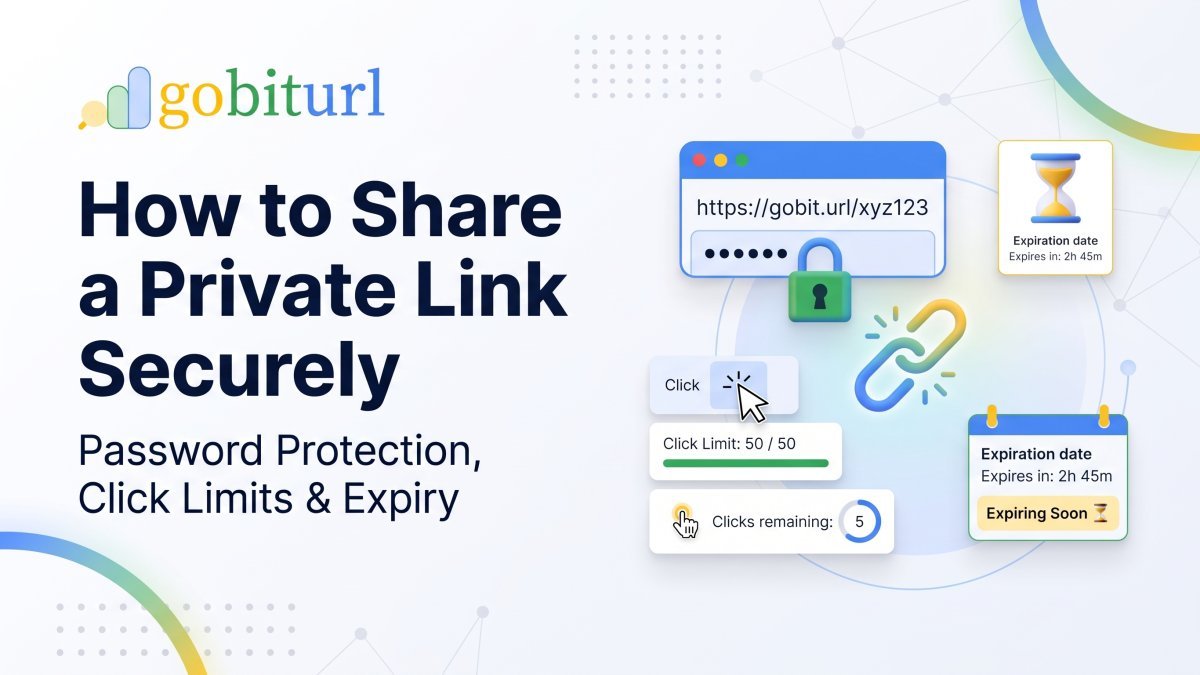
Every day, millions of people copy and paste links into WhatsApp groups, emails, Slack channels, and social media DMs. Whether it is a Google Drive folder, an unlisted video, a client proposal, or an exclusive event invite, standard URLs have one major flaw: anyone who gets the link can open it—and forward it to anyone else.
If you have ever searched for how to share a private link (or private link share karna), you already know how frustrating it is when confidential links get leaked or stay active long after they should have been closed.
Fortunately, you don't need expensive enterprise software to lock down your URLs. By putting a smart security layer in front of your destination URL with Go BitUrl, you can control who opens your link, how many times it can be opened, and when it automatically shuts off.
Why Standard "Unlisted" Links Aren't Truly Private
Many users assume that setting a document or video to "Anyone with the link can view" keeps it private. In reality, that link acts like an unlocked door:
- Zero Forwarding Control: Once you send a link to one person, they can copy and paste it into a public forum or group chat in seconds.
- Permanent Access: Standard links remain live forever unless you manually remember to go back into your cloud storage or website settings and revoke access.
- No Visibility: When you share a raw link, you have no idea if it was clicked once by your intended recipient or 500 times by strangers across the globe.
To truly share a private link, you need an access-controlled gatekeeper between the person clicking and the final destination URL.
3 Ways to Make Any Link Private Using Go. BitUrl
With Go. BitUrl, you can wrap any long URL into a clean, branded short link that acts as a security checkpoint. Here are the three most effective ways to lock down your links:
1. Lock It with a Password
The simplest way to stop unauthorized access is password protection. When someone clicks your short link, they are not immediately redirected to your file or webpage. Instead, they see a clean prompt asking for a password.
- Best for: Client deliverables, financial documents, internal team resources, and private photo galleries.
- Pro Tip: Send the Go. BitUrl short link via email, and share the password separately via SMS or WhatsApp for two-factor privacy.
2. Set a Maximum Click Limit
What if you want to share a one-time download link or a VIP coupon code with the first 50 buyers? Using click limits, you can cap a link at an exact number of clicks.
- How it works: If you set the limit to
1, the link becomes a self-destructing URL—the moment your recipient clicks it once, the link deactivates for everyone else. - Best for: Single-use invites, beta tester access, flash giveaways, and confidential one-on-one file sharing.
3. Add an Automatic Expiration Date
Tired of old campaign links or outdated forms floating around the internet? With expiration dates, you choose the exact date your link stops working.
- How it works: Once the deadline passes, anyone clicking the short URL is blocked from reaching the destination page—without you having to delete the original webpage or document.
- Best for: Limited-time sales, webinar registration links, seasonal promotions, and homework or project submission portals.
Step-by-Step: How to Share a Private Link (Private Link Kaise Share Kare)
Creating a secure, private short link on Go. BitUrl takes less than 30 seconds:
Step 1: Log In to Your Free Go. BitUrl Account
Head over to Go BitUrl and create a free account. Logging in unlocks the security dashboard, custom aliases, and real-time analytics.
Step 2: Paste Your Long Destination URL
Drop the URL you want to protect—whether it is a Google Doc, Dropbox file, Notion page, payment link, or private landing page—into the link shortener box.
Step 3: Customize Your Alias (Optional)
Instead of a random string of letters, give your link a clean, trustworthy name using custom aliases (for example, [gobiturl.com/client-proposal](https://gobiturl.com/client-proposal) or [gobiturl.com/vip-invite](https://gobiturl.com/vip-invite)).
Step 4: Configure Your Privacy Controls
Before hitting create, enable the exact security rules your link needs:
- Enter a Password so only verified recipients can pass through.
- Set a Click Limit (e.g., 1 click, 10 clicks, or 100 clicks).
- Pick an Expiration Date so the link switches off automatically on schedule.
Step 5: Share Your Link (or QR Code) & Track Live Clicks
Copy your new short link or download the automatically generated QR code (available in PNG or SVG). As soon as you share it, open your Track Link dashboard to monitor:
- Total clicks vs. unique visitors in real time.
- Country and device breakdowns (spot suspicious clicks from unexpected locations immediately).
- Referrer sources to see exactly where your link is being clicked from.
Real-World Use Cases: Who Needs Private Short Links?
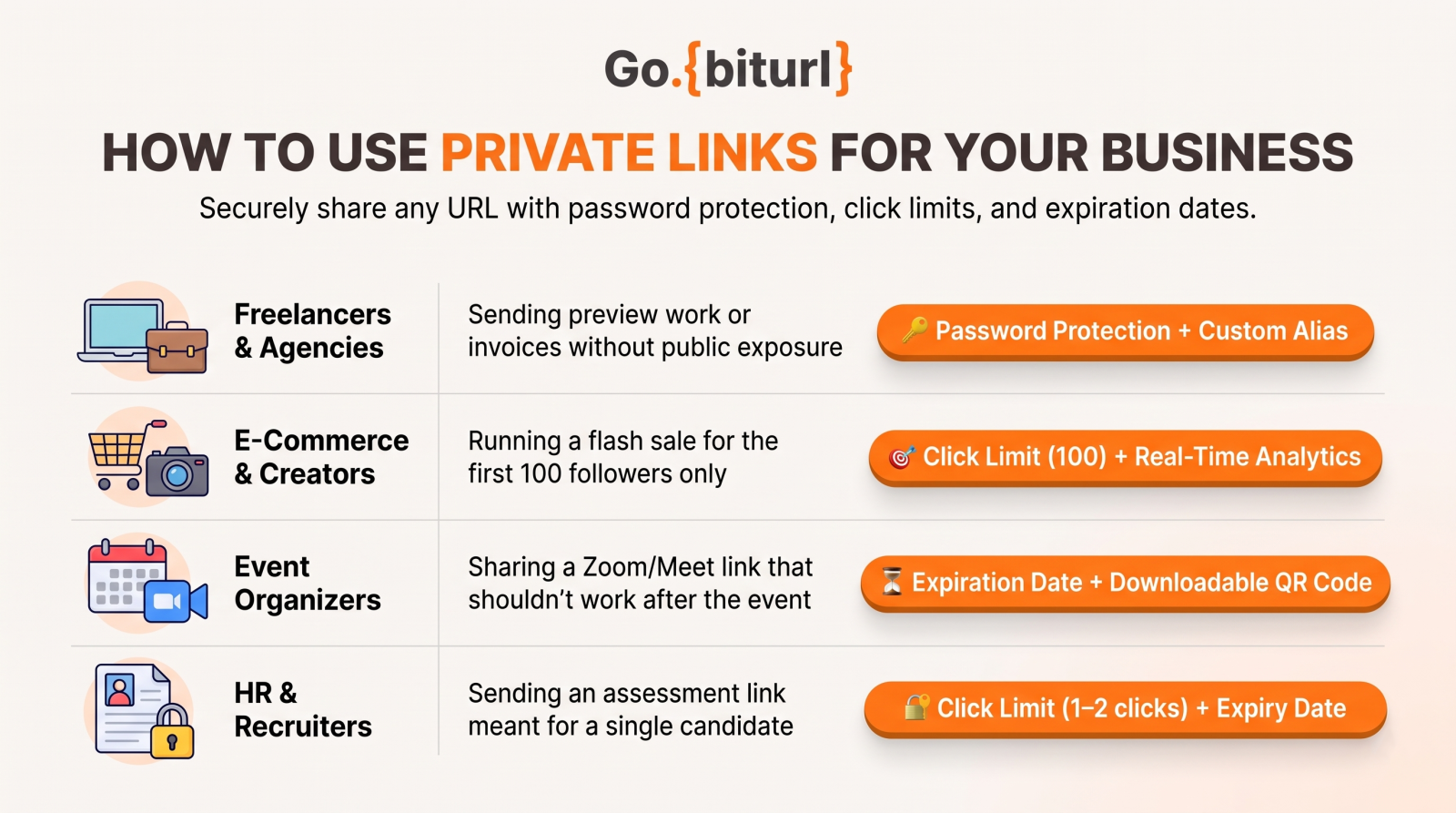
| User / Industry | Best Go. BitUrl Feature Combination | Common Privacy Challenge |
|---|---|---|
| Freelancers & Agencies | Password Protection + Custom Alias | Sending preview work or invoices without public exposure |
| E-Commerce & Creators | Click Limit (100) + Real-Time Analytics | Running a flash sale for the first 100 followers only |
| Event Organizers | Expiration Date + Downloadable QR Code | Sharing a Zoom/Meet link that shouldn't work after the event |
| HR & Recruiters | Click Limit (1–2 clicks) + Expiry Date | Sending an assessment link meant for a single candidate |
Ready to Take Full Control of Your Links?
Sharing links online shouldn't mean giving up your privacy. Whether you are sending a confidential file to a colleague or launching an exclusive campaign for your audience, Go BitUrl gives you the tools to share smarter, safer, and with complete visibility.
Frequently asked questions
Is it free to create a private, password-protected link on Go. BitUrl?
Yes! Creating an account on Go BitUrl is completely free, and it gives you immediate access to password protection, click limits, expiration dates, custom aliases, and live click tracking.
Can people see my original URL before entering the password?
No. When you shorten and password-protect a link with Go. BitUrl, visitors only see the short gobiturl.com URL. They are only redirected to your destination URL after entering the correct password.
Can I combine a password, a click limit, and an expiry date on the same link?
Absolutely. For maximum security, you can protect a link with a password and set it to expire after a specific number of clicks or on a certain date—whichever comes first.
How do I know if someone tried to share my private link?
Check your Go. BitUrl Analytics dashboard. You can see real-time click counts, unique visitors, countries, browsers, and referrers. If a link meant for one person in Mumbai suddenly gets clicks from three other countries, you can spot it immediately and disable or update the link.
Keep reading
More stories you might like.
How to Password Protect Google Drive Links and Set an Expiration Date Using GoBitUrl
Google Drive makes file sharing effortless, but its free tier lacks native password protection and link expiration for "Anyone with the link" shares. Discover how to add a bulletproof security layer to your Google Drive files in seconds using GoBitUrl.

What is Claude AI? Complete Guide to Claude Pro, India Subscription Price, Claude Code, Cowork & Certifications
Discover everything about Anthropic’s Claude AI—from Claude Opus 5.5, Sonnet 5.5, and Opus 4.7 to India subscription pricing in INR, Claude Code CLI, Claude Cowork desktop automation, and the official Claude Certified Architect exam. Plus, learn how developers and creators use GoBitURL to manage and protect shared AI workflows.

ChatGPT AI: New Features, What AI Can Do Today & What Will Happen With ChatGPT in the Future
Whether you search for ChatGPT, Chat GPT, or even "chat gtp," conversational AI is reshaping how we work and market online. Discover the newest ChatGPT features, what AI can do right now, what will happen to ChatGPT after a few years, and how to pair AI content generation with smart link management on GoBitUrl.
Enjoyed this? Try the tool.
Shorten links, make QR codes and see who clicks — free.
0 Comments
Be the first to comment.
Leave a Comment