
Dynamic vs. Static QR Codes: Which One Should Small Businesses Use?
Should your small business use static or dynamic QR codes? Learn the exact differences in editability, scan tracking, cost, and print durability to pick the right one.

QR codes have become essential for small businesses—from cafe table tents and product packaging to local flyers and invoices. Yet before you hit "print," there is one technical decision that can either save you hundreds of dollars in reprinting costs or lock you into a dead link: Static vs. Dynamic QR codes.
Understanding the difference takes two minutes and prevents costly marketing mistakes.
Static vs. Dynamic QR Codes at a Glance
| Feature | Static QR Code | Dynamic QR Code |
|---|---|---|
| Destination URL | Permanent (cannot be changed) | Editable anytime after printing |
| Scan Analytics | None | Full tracking (scans, location, device, time) |
| Visual Complexity | Denser pattern if URL is long | Always clean, minimal, and fast to scan |
| Reliance on Provider | None (works forever) | Requires active redirect link |
| Best For | Wi-Fi logins, permanent homepages, vCards | Menus, promotions, flyers, packaging |
What Is a Static QR Code?
A static QR code encodes your destination data directly into the black-and-white squares. Once generated, the data is physically baked into the image.
- Pros: Completely free, never expires, and does not depend on any third-party server to redirect the user.
- Cons: If you make a typo in the URL, change your website page, or end a seasonal sale, the printed QR code is permanently broken. You also get zero data on how many people scanned it.
When small businesses should use Static QR codes:
- In-store guest Wi-Fi access.
- Plain text, phone numbers, or email addresses.
- Permanent root domain links (e.g.,
https://yourbusiness.com) that will never change.
What Is a Dynamic QR Code?
A dynamic QR code encodes a short redirect URL (like a GoBitURL link) instead of the final destination. When a customer scans the code, the short link instantly forwards them to your target page.
- Pros:
- Edit without reprinting: Update your seasonal menu, swap out an expired promo page, or fix a broken URL without throwing away a single flyer.
- Track ROI: See how many customers scanned your poster, which neighborhood or city they were in, and what time of day drove the most traffic.
- Faster scanning: Because the encoded short link is brief, the QR pattern has fewer squares, making it easier for older smartphones to scan from a distance.
- Cons: Relies on your link management platform staying active, so choosing a trustworthy provider is essential.
When small businesses should use Dynamic QR codes:
- Restaurant menus and daily specials.
- Local print flyers, direct mailers, and event posters (to measure campaign ROI).
- Product packaging that links to setup guides, warranties, or reorder pages.
- Business cards where your portfolio or booking link might change.
The Simple Rule for Small Businesses
Ask yourself one question before generating a code: "Could this link ever change, or do I want to know how many people scanned it?"
- If the answer is no, use a static QR code.
- If the answer is yes, use a dynamic QR code.
With GoBitURL, small businesses get the best of both worlds: clean short links, reliable QR codes, and clear analytics so you always know what is working.
Start smarter with your next print campaign. Create your free trackable links and QR codes today at GoBitURL.com.
Keep reading
More stories you might like.
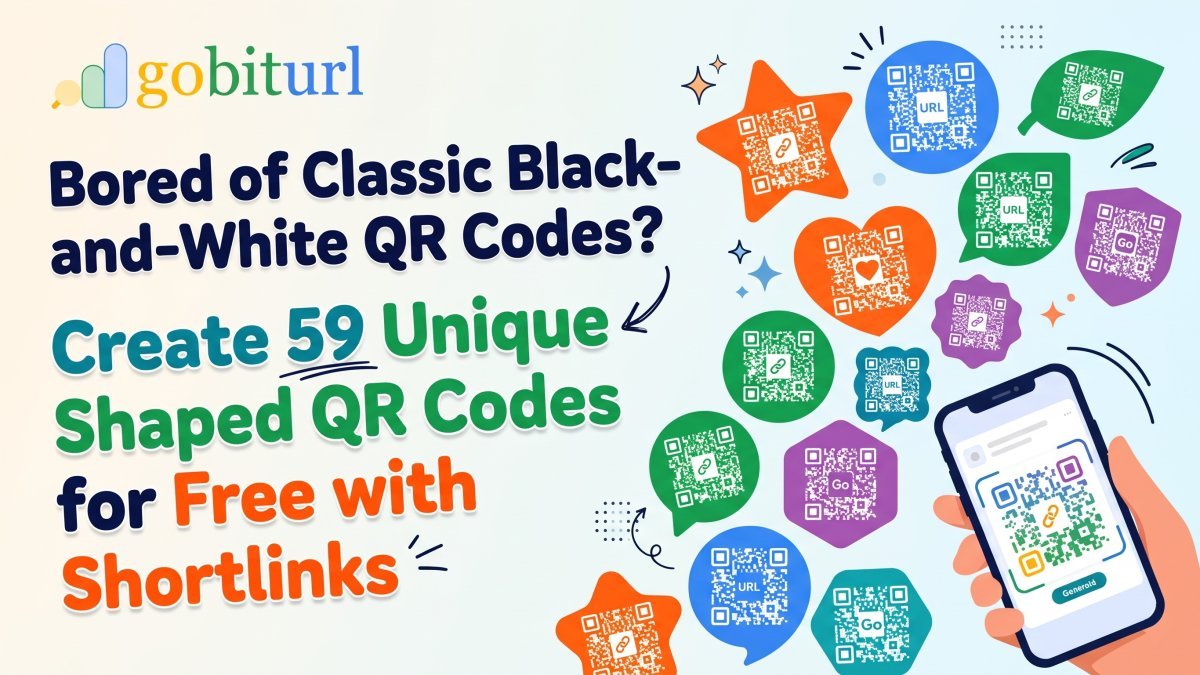
Bored of Classic Black-and-White QR Codes? Create 59 Unique Shaped QR Codes for Free with Shortlinks
Standard black-and-white QR codes blend into the background and suffer from "banner blindness." Discover how switching to 59 custom-shaped QR frames—like payment cards, location map pins, video players, and social thumbs-ups—paired with smart shortlinks on GoBitURL can dramatically boost your scan rates for free.
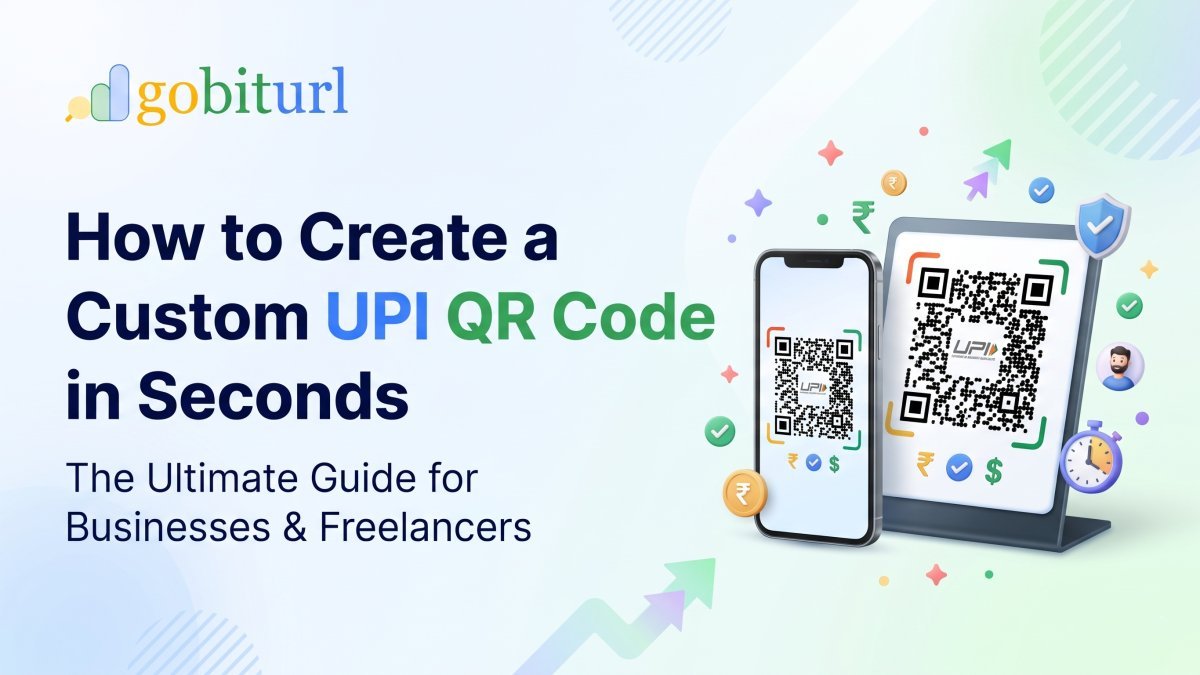
How to Create a Custom UPI QR Code in Seconds: The Ultimate Guide for Businesses & Freelancers
Accepting digital payments in India shouldn't require complex integrations or costly POS machines. Learn how to generate a customizable, zero-commission UPI QR code using GoBitURL to streamline your checkout experience and boost instant payments.
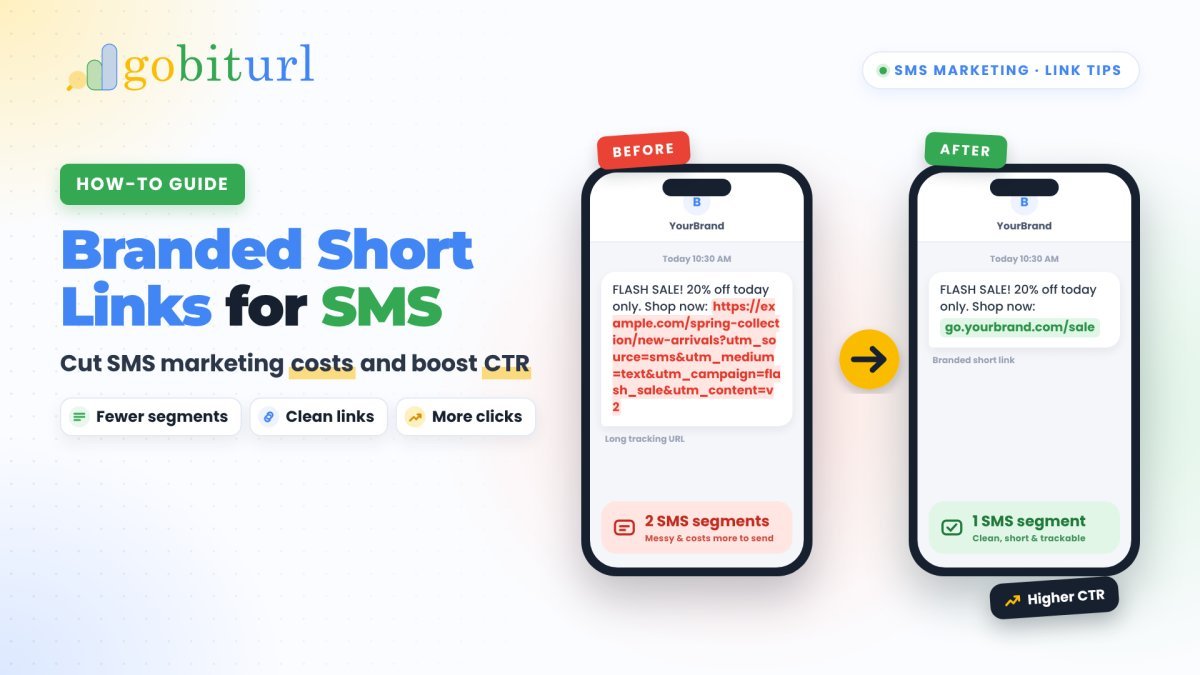
How to Use Branded Short Links to Cut SMS Marketing Costs and Boost CTR
A single unshortened URL with UTM parameters can push an SMS past the 160-character mark—instantly doubling your messaging bill while looking suspicious to recipients. Learn the exact SMS segment math and how clean short links protect your budget and increase clicks.
Enjoyed this? Try the tool.
Shorten links, make QR codes and see who clicks — free.
0 Comments
Be the first to comment.
Leave a Comment