
How to Shorten a Web Address in Seconds: The Ultimate Guide to Custom Short Links (2026)
Long, messy web links hurt your brand trust and ruin social media posts. Learn how a modern web URL shortener turns bulky links into clean, trackable tiny links that get up to 39% more clicks.
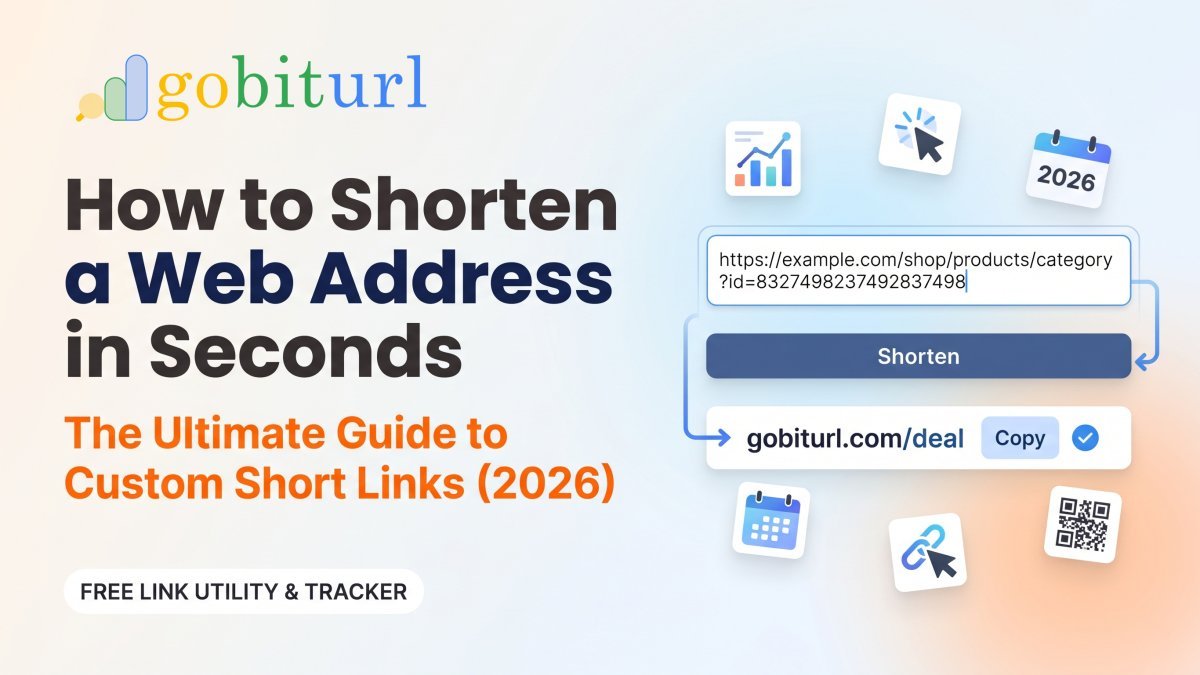
Have you ever tried pasting an affiliate link, a Google Drive folder, or an e-commerce product page into an Instagram bio or WhatsApp message—only to end up with a monstrous, five-line block of random letters, numbers, and tracking symbols?
Long URLs look spammy, break easily in emails and SMS messages, and scare away potential customers.
Whether you are a digital marketer running paid campaigns, a creator sharing affiliate products, or a business owner sending client invoices, using a reliable url shortener is one of the fastest ways to make your links look professional and increase your click-through rate (CTR). In this guide, we will break down exactly how to shorten a web address, why clean links outperform long ones, and how to use GoBitURL to manage and track every click.
What Does It Mean to Convert a Long URL to a Short URL?
When you convert a long url to a short url, you are creating a compact, memorable alias that automatically sends visitors to your original destination page.
For example, instead of sharing a cluttered link like this:https://yourstore.com/collections/summer-sale-2026/products/mens-running-shoes?utm_source=instagram&utm_medium=social&utm_campaign=july_promo
A web url shortener compresses it into a clean, trustworthy short link like this:https://gobiturl.com/summer-shoes
Behind the scenes, when someone clicks your shortcut link, the server uses an instant, search-engine-friendly 301 Permanent Redirect (or 302 Temporary Redirect) to take the user straight to the original page in milliseconds—while recording valuable analytics data along the way.
5 Reasons Why You Should Shorten a Website Address Before Sharing
If you are still copying and pasting raw links straight from your browser bar, you are leaving traffic and conversions on the table. Here is why smart brands always shorten a website address before publishing:
1. Higher Click-Through Rates (Up to 39% More Clicks)
Internet users are more cautious than ever about phishing and spam. A raw link filled with %20, ?id=, and random strings looks suspicious. By contrast, a clean shorty link with a readable custom slug (like /winter-deal or /free-guide) tells your audience exactly what to expect, building instant trust.
2. Real-Time Click Tracking & Audience Insights
When you share a standard link, you are flying blind. When you use a dedicated site to shorten a url like GoBitURL, every link becomes a live data tracker. You can monitor:
- Total clicks vs. unique visitors
- Geographic location (country and city of your audience)
- Device type (Mobile vs. Desktop, iOS vs. Android)
- Referral source (Instagram, WhatsApp, YouTube, LinkedIn, or Direct)
3. Perfect for Character-Limited Platforms & SMS
In SMS marketing, WhatsApp broadcasts, X (Twitter) posts, and social media bios, every character counts. Turning bulky URLs into tiny links keeps your messages crisp and ensures your call-to-action (CTA) stands out rather than getting buried under a wall of text.
4. Prevent Broken Links in Emails and Print Media
Long URLs frequently wrap onto multiple lines in email clients or PDF documents, which often breaks the clickable link halfway through. When you shorten a hyperlink, it stays intact on a single line across every device and messaging app.
5. Turn Any Short Link Into a Scannable QR Code
Modern marketing bridges the gap between offline and online. Whenever you shortify a url on GoBitURL, you can pair it with a scannable QR code for product packaging, event banners, restaurant menus, or business cards.
How to Create a Shortcut Link URL in 3 Easy Steps
You do not need any technical skills or coding knowledge to link shortify your web pages. Here is how to do it in under 10 seconds using GoBitURL:
- Copy Your Long Destination Link: Grab the full URL from your browser—whether it is a YouTube video, a Google Form, a Shopify product page, or a blog post with UTM parameters.
- Paste It Into GoBitURL: Head over to the GoBitURL Free URL Shortener homepage and paste your long address into the shortener box.
- Customize & Share: Click shorten to generate an instant shortcut link url, or customize the back-half of the link to match your campaign name. Copy your new link and share it anywhere!
Long URLs vs. GoBitURL Short Links: Quick Comparison
| Feature | Raw / Long Website URL | GoBitURL Short Link |
|---|---|---|
| Visual Appeal | Messy, cluttered, and intimidates users | Clean, compact, and brand-friendly |
| Click Analytics | None (requires complex setup) | Built-in real-time click, device, and location tracking |
| Custom Slugs | Locked to your website's folder structure | Fully customizable back-half aliases |
| Social & SMS Ready | Takes up multiple lines; breaks easily | Fits anywhere cleanly on a single line |
| SEO Safety | Standard | Uses SEO-safe redirects that preserve page authority |
Best Practices When Using a Web URL Shortener
To get the highest conversion rates from your tiny links, follow these three golden rules:
- Always Customize the Slug When Possible: Instead of a random string like
[gobiturl.com/x8Kp2](https://gobiturl.com/x8Kp2), use a descriptive keyword like[gobiturl.com/diwali-offer](https://gobiturl.com/diwali-offer). Descriptive slugs boost click rates significantly. - Use UTM Parameters Before Shortening: Want to track exact campaign ROI inside Google Analytics? Add your UTM parameters (
utm_source,utm_medium,utm_campaign) to your long URL first, and then shorten the web address using GoBitURL. Your visitors see a clean link, while your analytics tool captures all the deep tracking data. - Test Your Link Before Launching a Campaign: Always click your new short link once in an incognito window to verify that the destination page loads rapidly and accurately on mobile devices.
Ready to Clean Up Your Links and Boost Your Clicks?
Stop letting long, ugly web addresses ruin your marketing campaigns. Whether you need a single shortcut link for your Instagram bio or want to manage hundreds of trackable campaign links, GoBitURL.com gives you the speed, reliability, and analytics you need.
Frequently asked questions
Does using a URL shortener hurt my website's Google SEO?
No! As long as you use a reputable web url shortener like GoBitURL that utilizes proper HTTP redirects, search engines pass link equity directly to the destination URL without any negative impact on your rankings.
Do short links expire?
Links created on GoBitURL are designed to stay active so your social media bios, YouTube descriptions, and printed materials continue working long after you publish them.
Can I shorten affiliate links for Amazon, Flipkart, or SaaS programs?
Yes. Affiliate marketers routinely shorten a hyperlink to make long referral URLs cleaner for YouTube descriptions, blog buttons, and Telegram channels. (Always check your specific affiliate program's terms regarding link cloaking/shortening.)
Keep reading
More stories you might like.
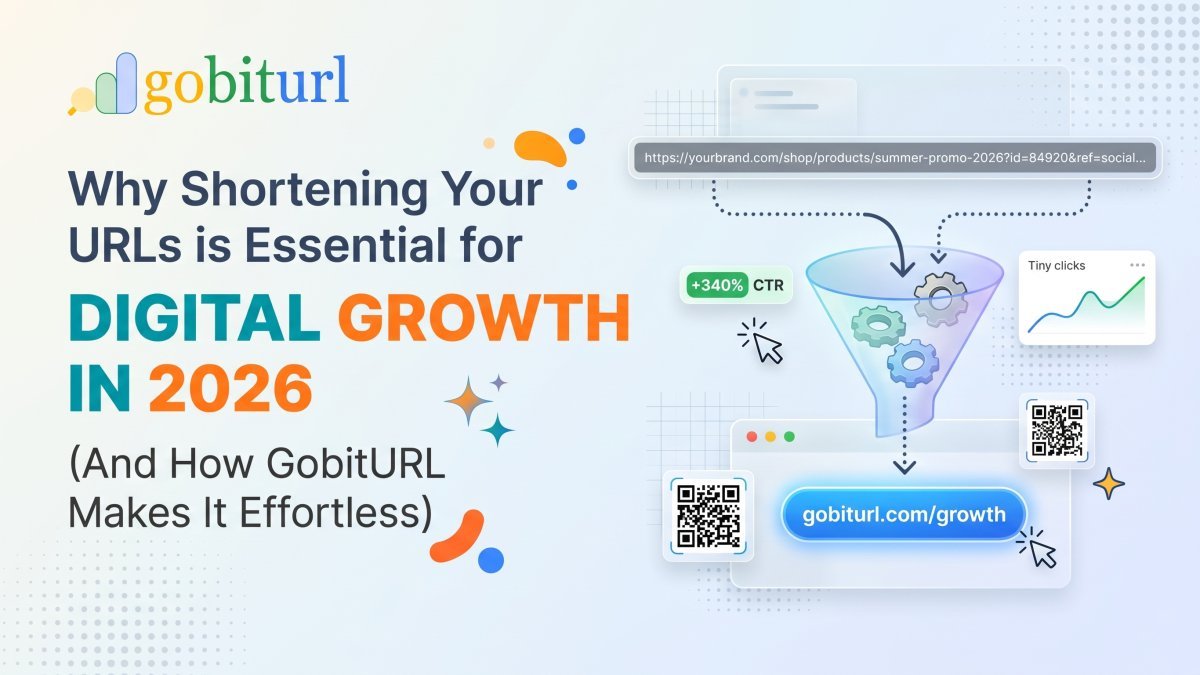
Why Shortening Your URLs is Essential for Digital Growth in 2026 (And How GobitURL Makes It Effortless)
Long, cluttered web addresses look untrustworthy, break inside messages, and ruin your social media aesthetic. Learn why smart marketers ask "how can I shorten my URL effectively?" and see how GobitURL transforms sprawling links into sleek, high-converting assets in seconds.
The Ultimate Bitly Alternative for Marketers: Why Smart Brands Are Switching to GoBitURL
Are restrictive link limits and steep pricing tiers holding your marketing campaigns back? Discover why performance marketers, agencies, and growing brands are migrating to GoBitURL—the all-in-one link management and custom QR platform built to maximize click-through rates and campaign ROI.
WhatsApp Link Short Kaise Kare? (Free & Easy Step-by-Step Guide 2026)
Kya aapka WhatsApp chat ya group link bahut lamba aur ajeeb dikhta hai? Janiye GoBitURL ki madad se WhatsApp link ko sirf 10 seconds mein short, clean aur custom kaise banayein.
Enjoyed this? Try the tool.
Shorten links, make QR codes and see who clicks — free.
0 Comments
Be the first to comment.
Leave a Comment