
How to Shorten Event Links to Boost Registrations and Track RSVPs (Complete Guide)
Long, messy event registration URLs look untrustworthy and kill your ticket conversion rates. Discover how shortening your event links with GoBitURL helps you build brand trust, share effortlessly across flyers and social media, and track every single RSVP click in real time.
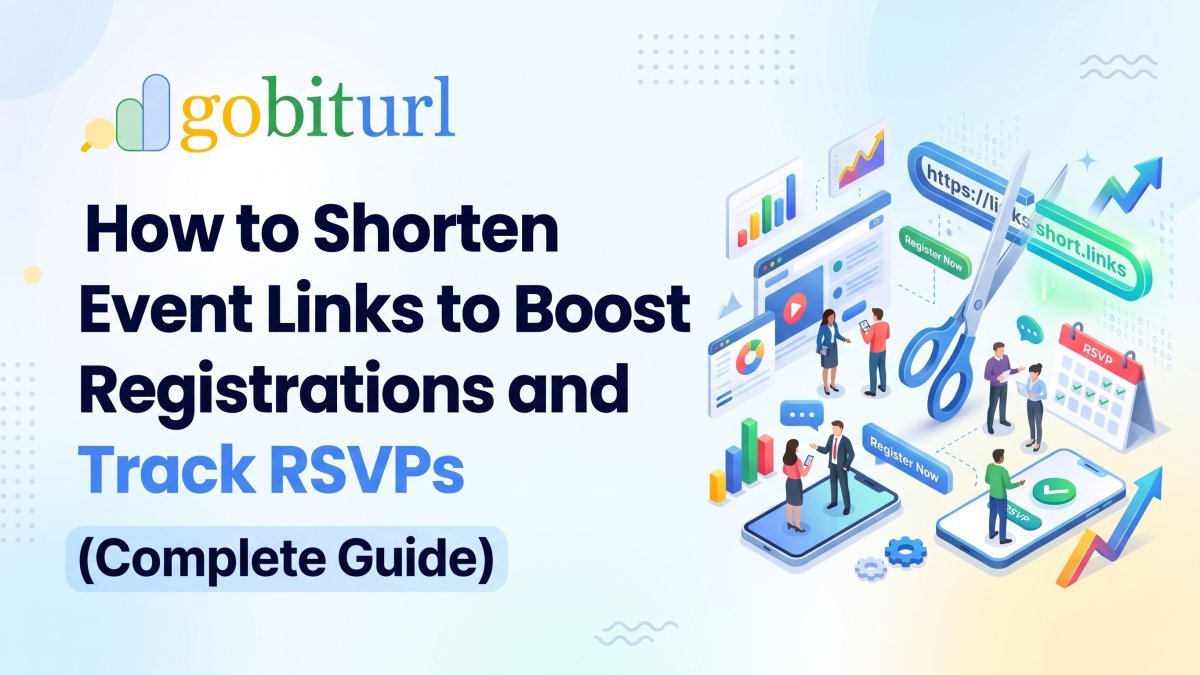
Imagine spending weeks planning the ultimate webinar, music festival, corporate workshop, or community meetup. Your speakers are booked, the venue is ready, and your promotional graphics look stunning. Then comes the moment to share your registration link—and it looks something like this:
[https://event-platform.com/e/annual-tech-summit-tickets-84920482910?aff=oddtdtcreator&utm_source=instagram&utm_medium=social](https://event-platform.com/e/annual-tech-summit-tickets-84920482910?aff=oddtdtcreator&utm_source=instagram&utm_medium=social)
Let’s be honest: nobody wants to click that.
Whether you are using Zoom, Google Meet, Eventbrite, LinkedIn Events, or a custom ticketing portal, default event URLs are notoriously long, clunky, and filled with random numbers and tracking parameters. When you paste a massive link into an Instagram bio, an SMS blast, or a printed poster, it looks spammy and overwhelms your potential attendees.
That is where an event link shortener changes the game. By using GoBitURL to shorten your event links, you transform a chaotic web address into a sleek, memorable, and trackable link that actually drives more sign-ups.
In this guide, we will walk through why shortening your event links is essential, how to do it in seconds on GoBitURL, and advanced strategies to maximize your event attendance.
Why You Must Shorten Your Event Links Before Promoting
If you are wondering whether taking 30 seconds to shorten an event URL really makes a difference, the data speaks for itself. Marketers and event planners who use custom short links see significantly higher click-through rates (CTR) than those who paste raw URLs. Here is why:
1. Instant Trust and Higher Click-Through Rates
Internet users today are cautious. Long URLs filled with %20, question marks, and random strings often trigger spam filters in emails and make social media users hesitate before clicking. A clean link created with GoBitURL reassures your audience that the destination is safe and legitimate.
2. Memorable Links for Offline and Verbal Promotion
Have you ever been on a podcast, a live stream, or on stage at a conference and tried to tell the audience where to register? You cannot read a 90-character URL out loud. With a custom alias, you can simply say, "Grab your free pass at gobiturl.com/TechSummit26"—and people will actually remember it and type it into their phones.
3. Perfect Fit for SMS, WhatsApp, and Social Bios
Character limits matter, especially in SMS marketing where extra characters can literally cost you more money. Even on platforms like WhatsApp, X (Twitter), and Instagram Stories, a compact short link keeps your message neat so the focus stays on your event pitch rather than a block of blue text.
4. Dynamic Updates When Event Details Change
Nothing causes more panic for an event host than realizing the Zoom room link broke or the ticketing platform changed after 500 flyers have been printed and 10,000 emails have been sent. When you use a managed short link on GoBitURL, you don't have to resend apologies. You simply update the destination URL inside your dashboard, and the existing short link automatically routes attendees to the new page.
Which Event Links Should You Shorten?
An event isn't just a single registration page; it is an entire ecosystem of touchpoints. You can use GoBitURL across the entire lifecycle of your event:
- Ticket & RSVP Pages: Eventbrite, Luma, Meetup, Ticketmaster, or custom landing pages.
- Virtual Meeting Rooms: Zoom webinars, Google Meet links, Microsoft Teams town halls, and YouTube Live streams.
- Pre-Event Engagement: Speaker application Google Forms, sponsor prospectus PDFs, and hotel room-block booking pages.
- Day-Of Event Resources: Digital agendas, venue maps, slido Q&A links, and catering menus.
- Post-Event Follow-Ups: Feedback survey forms, recording replays, and photo gallery folders.
Step-by-Step: How to Shorten an Event Link on GoBitURL
Shortening your event link—or as many creators search, "event link short karna"—takes less than a minute on GoBitURL. Follow these simple steps:
Step 1: Copy Your Original Event URL
Head over to your ticketing platform, calendar invite, or webinar tool and copy the full registration URL. (Pro Tip: If you use UTM parameters to track campaigns in Google Analytics, add them to your long URL now before shortening it!)
Step 2: Paste It into GoBitURL
Open https://gobiturl.com in your browser. Paste your long event address into the URL shortener box on the dashboard.
Step 3: Customize Your Back-Half (Slug)
Instead of settling for a random string of letters like /x8Kp2, customize the slug to match your event name.
- Bad:
[gobiturl.com/9jK2l](https://gobiturl.com/9jK2l) - Good:
[gobiturl.com/DesignWorkshop](https://gobiturl.com/DesignWorkshop)or[gobiturl.com/MumbaiMusicFest](https://gobiturl.com/MumbaiMusicFest)
Keep it short, avoid complicated spelling, and use title case (capitalizing the first letter of each word) when displaying it on graphics so it is easy to read at a glance.
Step 4: Generate a QR Code for Physical Marketing
Promoting your event on standees, brochures, lanyards, or presentation slides? GoBitURL lets you pair your short link with a scannable QR code. Attendees can simply point their smartphone camera at your poster and jump straight to the checkout page without typing a single letter.
Step 5: Share and Monitor Your Clicks
Once your link is live, distribute it across your email newsletters, WhatsApp broadcast lists, LinkedIn posts, and bio links. Then, open your GoBitURL analytics to watch the clicks roll in!
4 Pro Strategies to Get More Attendees Using Short Links
Want to market your event like a seasoned growth hacker? Don't just create one short link—use these four smart strategies:
1. Create Channel-Specific Short Links
How do you know whether your ticket sales came from your Instagram Reel, your LinkedIn post, or your email newsletter? Create a separate GoBitURL link for each channel (or attach unique UTM tags to each before shortening). Comparing the click performance helps you double down on the platforms that actually bring in attendees and stop wasting time on channels that don't convert.
2. Give Speakers and Influencers Their Own Custom Links
If you have guest speakers, performers, or sponsors promoting your event, create a personalized short link for each of them (e.g., [gobiturl.com/Summit-Rohan](https://gobiturl.com/Summit-Rohan)). Not only does this make your speakers feel valued, but it also lets you track exactly which partner is driving the most traffic to your registration page.
3. Use "Add to Calendar" Short Links
Getting someone to register is only half the battle—getting them to actually show up live is the real challenge. Shorten your Google Calendar or Apple Calendar .ics invite link and include it in your confirmation SMS so registrants can lock the date into their schedule with one tap.
4. Repurpose Your Main Event Link After the Event Ends
People will still click your social media links days or weeks after the event is over. Instead of letting them hit a dead "This Event Has Ended" page, redirect your GoBitURL link to the event recording, a waitlist for next year’s event, or your company’s main product page.
Ready to Make Your Next Event a Sold-Out Success?
Don't let a messy, three-line web address stand between your audience and your event registration page. Every extra click counts when you are trying to fill seats, boost webinar attendance, or sell out tickets.
Head over to GoBitURL.com right now, paste your long event link, and turn it into a sleek, powerful, and trackable short URL in seconds!
Frequently asked questions
Is it free to shorten event links on GoBitURL?
Yes! You can quickly shorten long event registration links, webinar URLs, and Google Forms on GoBitURL to make them clean and shareable in seconds.
Will shortening a Zoom or Google Meet link break the meeting passcode?
Not at all. When you shorten a full Zoom or Google Meet invite link (including the embedded password token), GoBitURL safely redirects the user to the exact, complete URL so they can join seamlessly.
Can I track how many people clicked my event link?
Absolutely. Using GoBitURL allows you to monitor click performance, see when your audience is most active, and understand which marketing platforms are driving the highest engagement for your event.
Keep reading
More stories you might like.
Bitly vs. Free URL Shorteners: Why Marketers Are Switching to Go BitUrl
Bitly used to be the default choice for shortening links, but strict monthly caps and paywalled analytics have changed the game. See how Bitly stacks up against modern free URL shorteners like Go BitUrl—and find out which tool actually gives you the features you need without the enterprise price tag.
How to Use Expiry Date Links for Events and Festive Sales in India
Hosting a webinar, college fest, or Diwali flash sale? Learn how setting an expiration date on your short links creates urgency, boosts conversions, and saves your brand from dead-link embarrassment.

What is Claude AI? Complete Guide to Claude Pro, India Subscription Price, Claude Code, Cowork & Certifications
Discover everything about Anthropic’s Claude AI—from Claude Opus 5.5, Sonnet 5.5, and Opus 4.7 to India subscription pricing in INR, Claude Code CLI, Claude Cowork desktop automation, and the official Claude Certified Architect exam. Plus, learn how developers and creators use GoBitURL to manage and protect shared AI workflows.
Enjoyed this? Try the tool.
Shorten links, make QR codes and see who clicks — free.
0 Comments
Be the first to comment.
Leave a Comment